Why a Contractor Needs Video of Its Work
7 min read
The short answer
A contractor needs video because the work is hard to describe and easy to show. A prospective client reads your reviews, then looks for proof. A short clip of a real job answers the question a written line cannot: what will this look like when it is done, and who is doing it. Video does not replace the work or the reviews. It puts them in front of people who have never been to your site.
Key takeaways
- Most of your best work is seen by the owner and your crew, then disappears behind a finished wall.
- A clip lets a stranger judge the work for themselves instead of taking your word for it.
- Real and current beats polished. Short clips of actual jobs are enough to start.
- Film at a few fixed moments on every job, and the library builds itself.
- One shoot should feed your website, your Google profile, your bids and your hiring posts.
The work is the best argument, and almost nobody sees it
Most of what a contractor builds is seen by the owner and the crew. The scaffold comes down, the client moves in, and the job lives on a phone camera roll. A prospective client weighing three contractors sees a website, a license number and a few reviews.
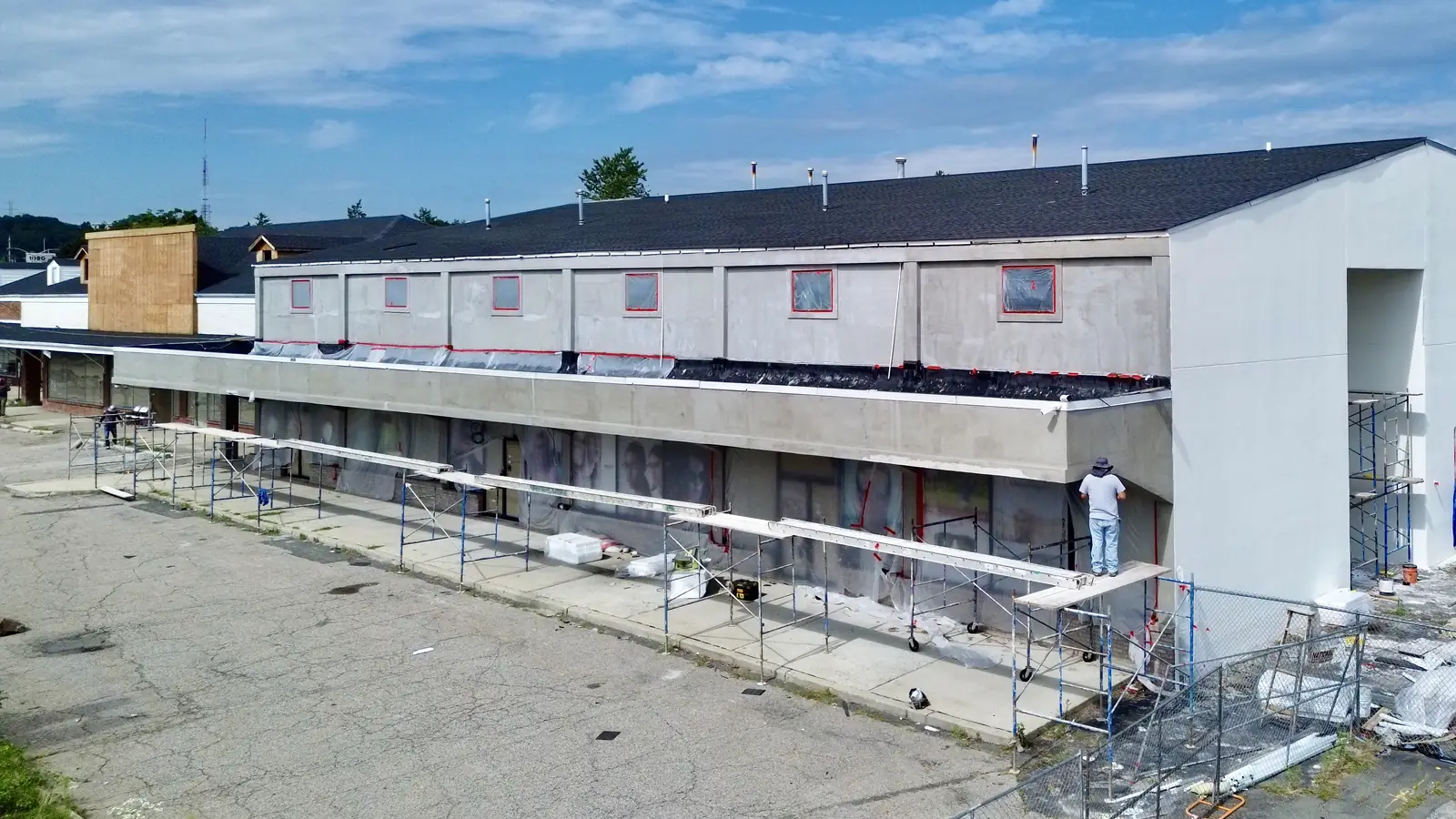
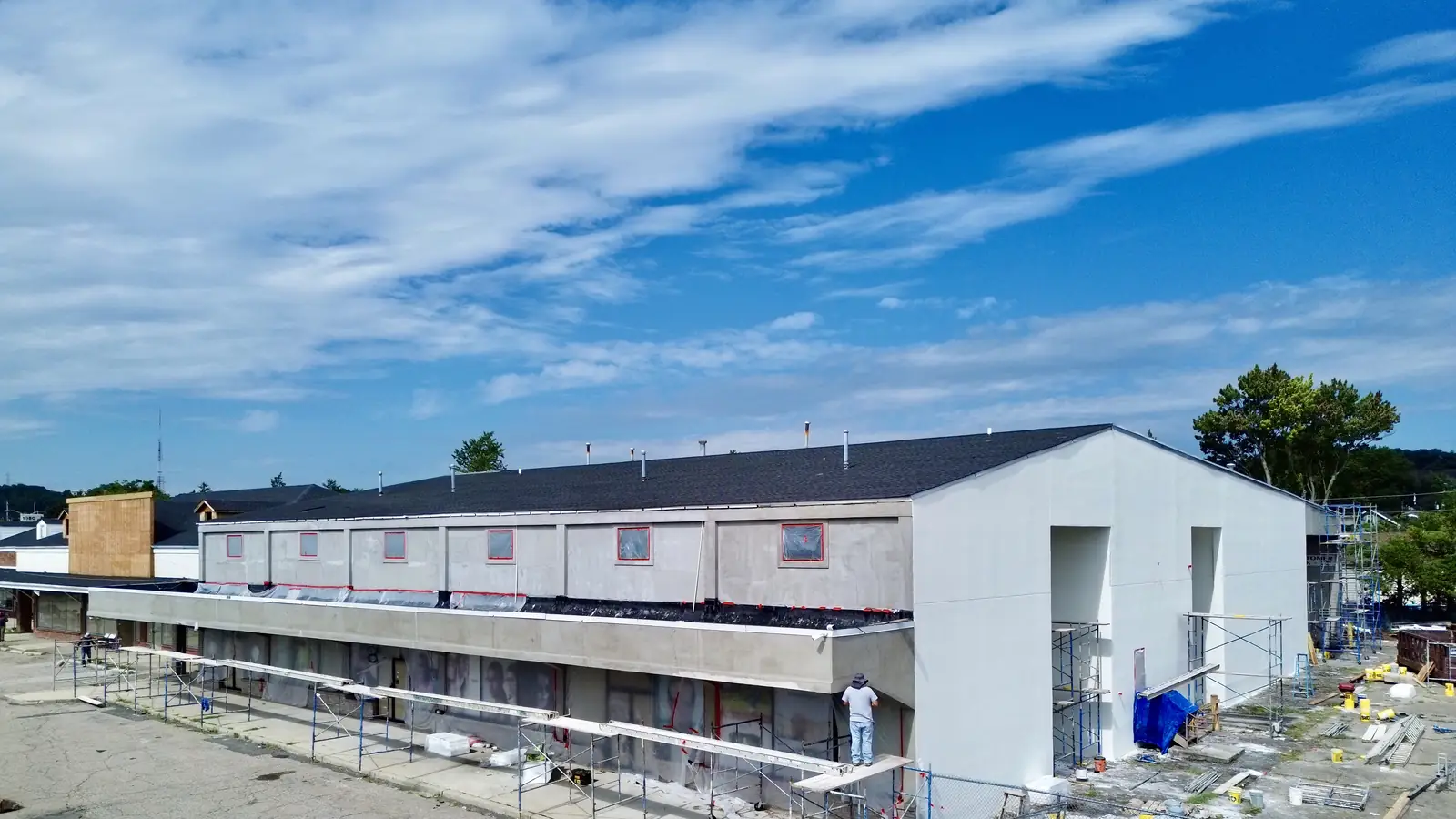
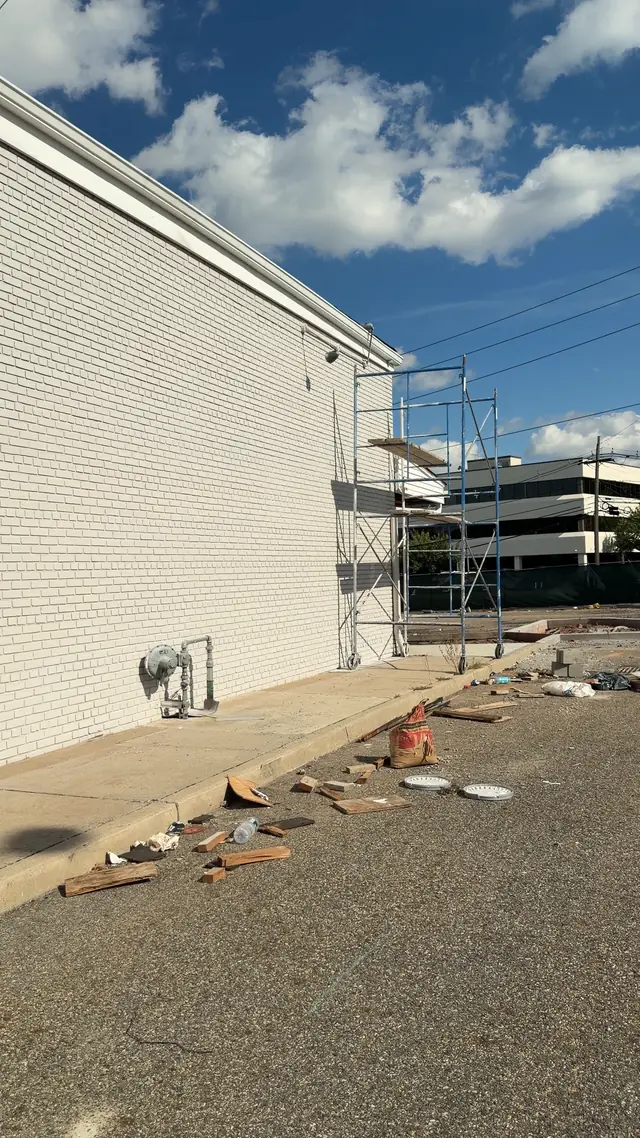
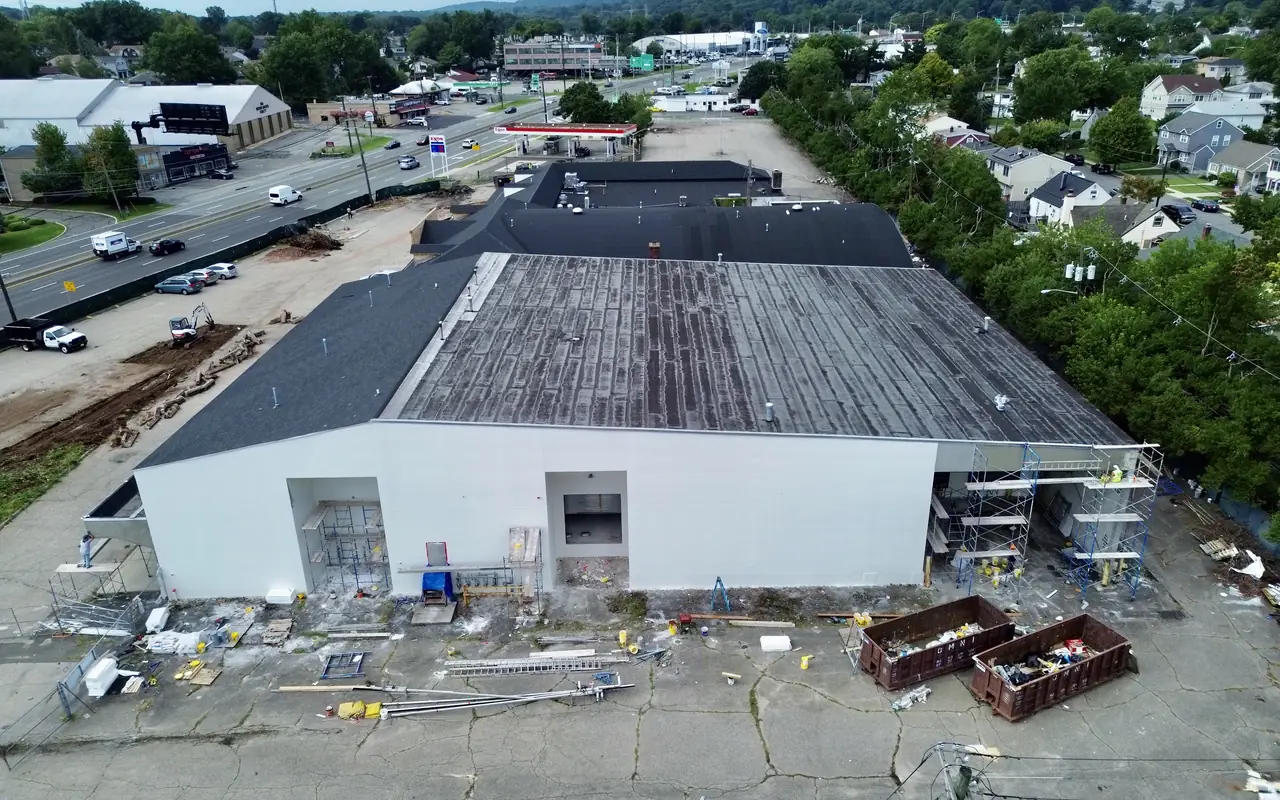
- Scaffold along the front shows how the crew reaches the wall.
- A finished end wall beside work still under way shows the stage the job has reached.
- A worker on the walkway gives the building its scale.
- Materials and fencing at the end of the front show what is happening on site.
The gap is not the quality of the work. It is how little of it is visible. Video closes that gap by making the job something a stranger can look at.
Think about what that stranger is doing. They are about to hand a company a large part of their budget and a good deal of trust, and they are trying to guess how it will go. Every piece of evidence they can find lowers the guess. A clip of a real job is evidence that does not depend on anyone's say so.
What video shows that words cannot
A line in a proposal says the crew handles masonry, stucco or framing. A clip shows the crew handling it. A viewer sees how the site is kept, how the finish reads in daylight and whether the people on camera look like they know what they are doing.
Reviews and video carry different weight. Reviews say the client was satisfied. Footage of the job sits beside them and lets the viewer judge the work for themselves.
| Kind of proof | What it tells a stranger | What it leaves out |
|---|---|---|
| Written claim | What you say you do | Whether it looks right |
| Review | That a past client was satisfied | What the work looked like |
| Photo | One finished moment | How the site was run, how it moved |
| Video | The work, the site and the pace in motion | Anything you did not film |
It does not need to be a production
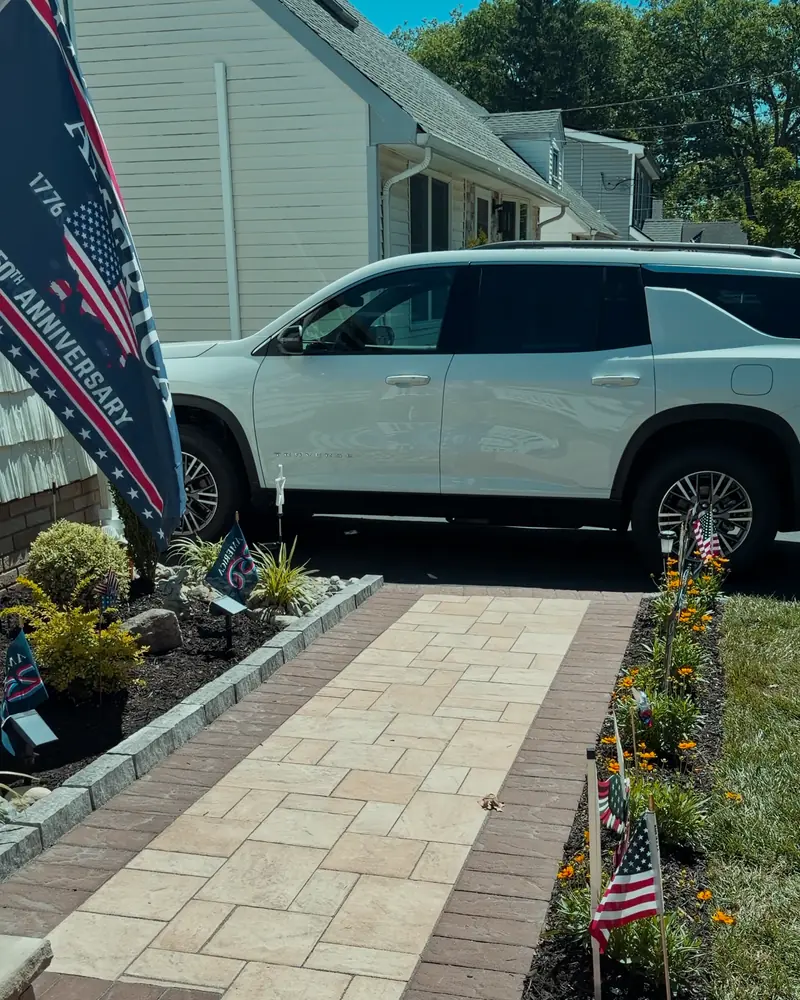
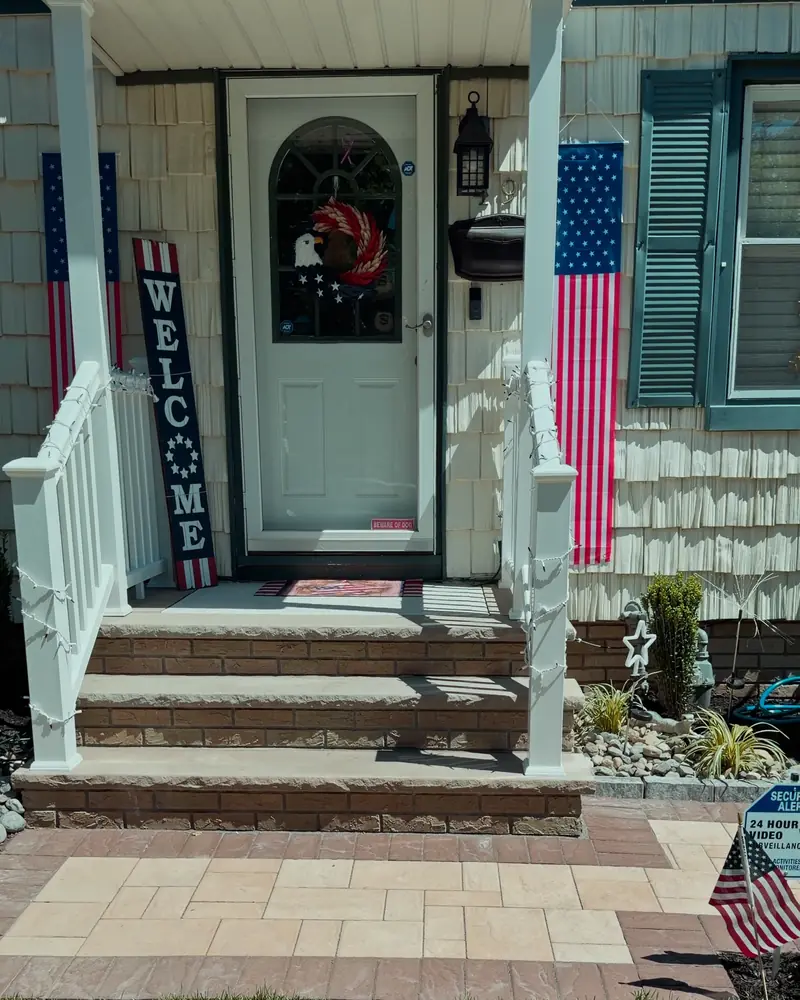
A short vertical cut of a job in progress, or a finished elevation shot the day the scaffold came off, is enough to be useful. The clips on our own work page are cuts of active and finished construction jobs: a concrete pour, exterior progress from the ground and the air, a residential build from open framing to drywall, and a hardscape shot the day it was finished.
The standard is that it is real, current and shows the actual job. Polish matters less than honesty about what is on screen.
Sound is optional. Most short clips are watched with the sound off, so let the picture carry the point, and add a line of text on screen if a clip needs a label such as the trade or the stage of the job.
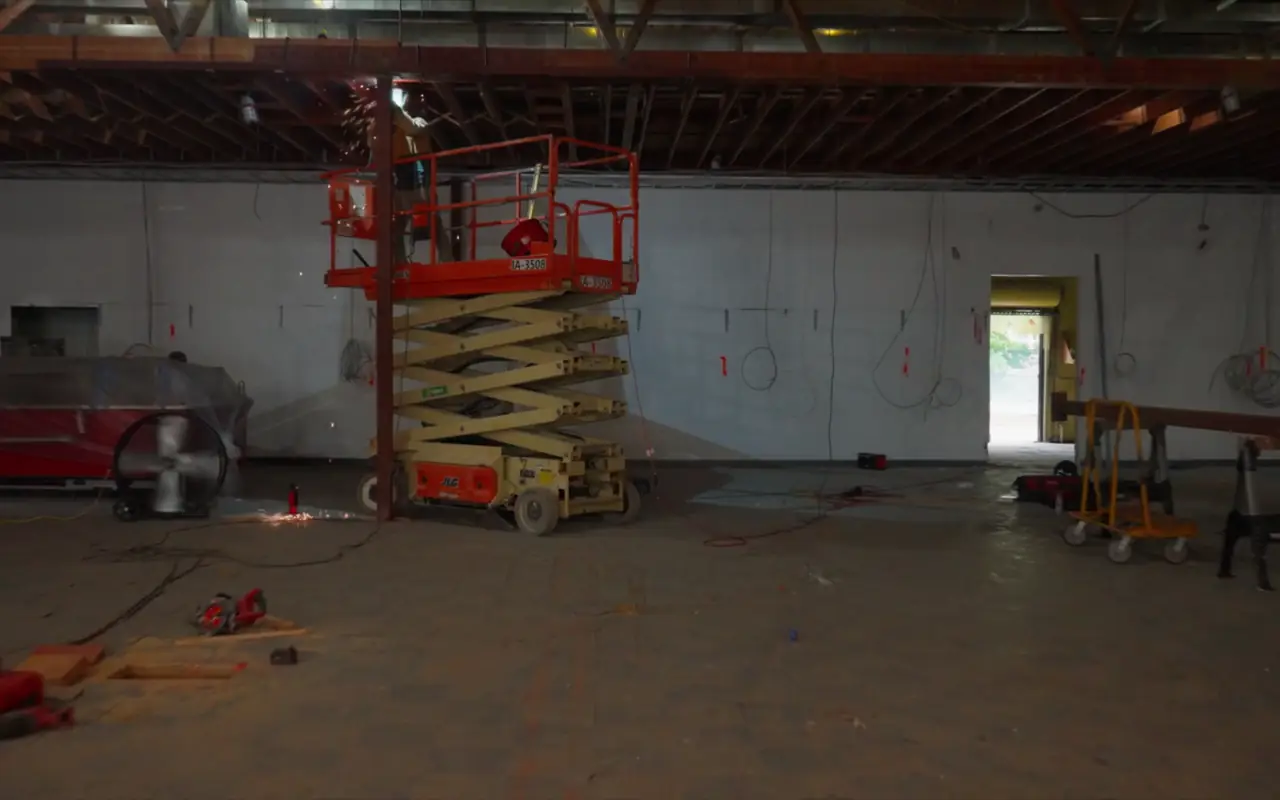
- Show the real site, including the mess that is part of any job in progress.
- Keep clips short. One idea per clip: a pour, a wall going up, a finished entry.
- Hold the phone steady and landscape or vertical, but pick one per clip.
- Skip music you do not have the right to use.
When to film on a job
You do not need a camera running all day. You need a handful of fixed moments, the same on every job, so nobody has to decide each time.
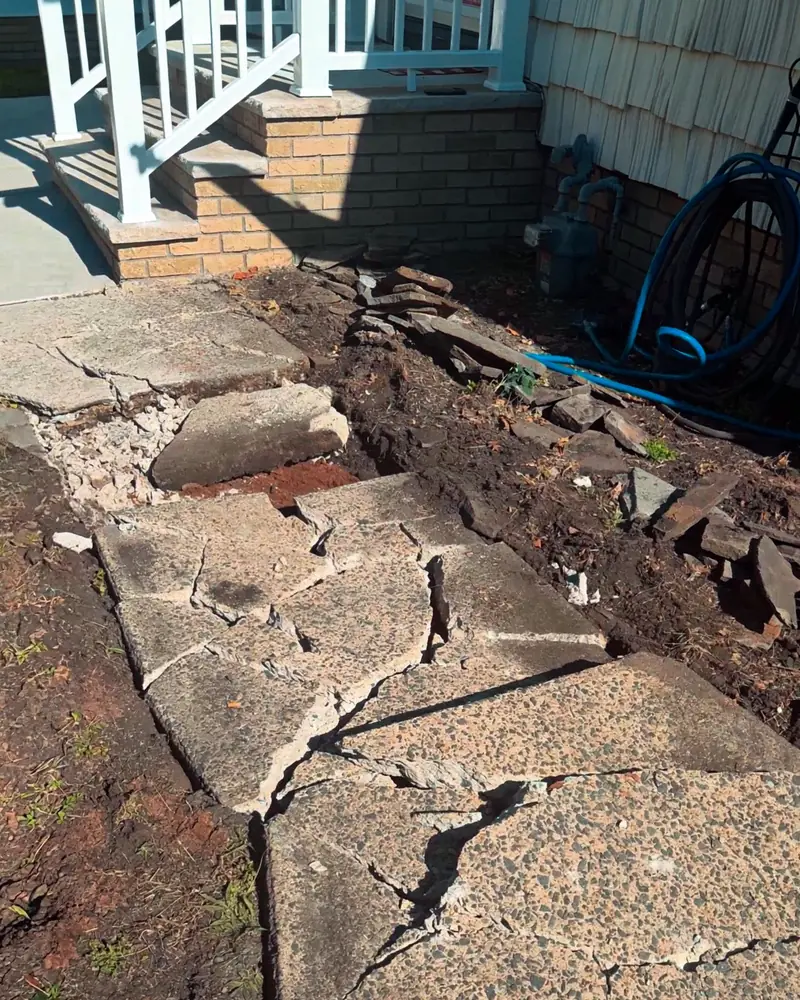
Before work starts
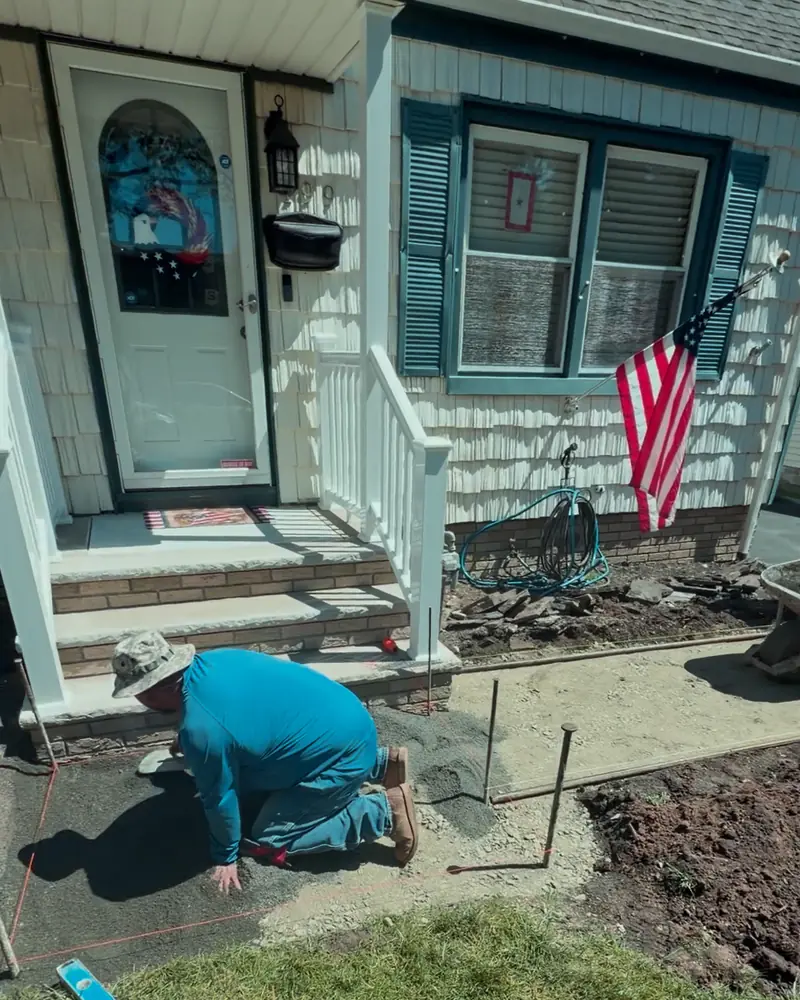
The first major trade
A visible milestone
Final cleanup

Weeks later
The most valuable moment is the first one. Once demolition or staging begins, the starting condition is gone, and it cannot be filmed later.
- Before work starts: walk the site and film the starting condition, wide and close.
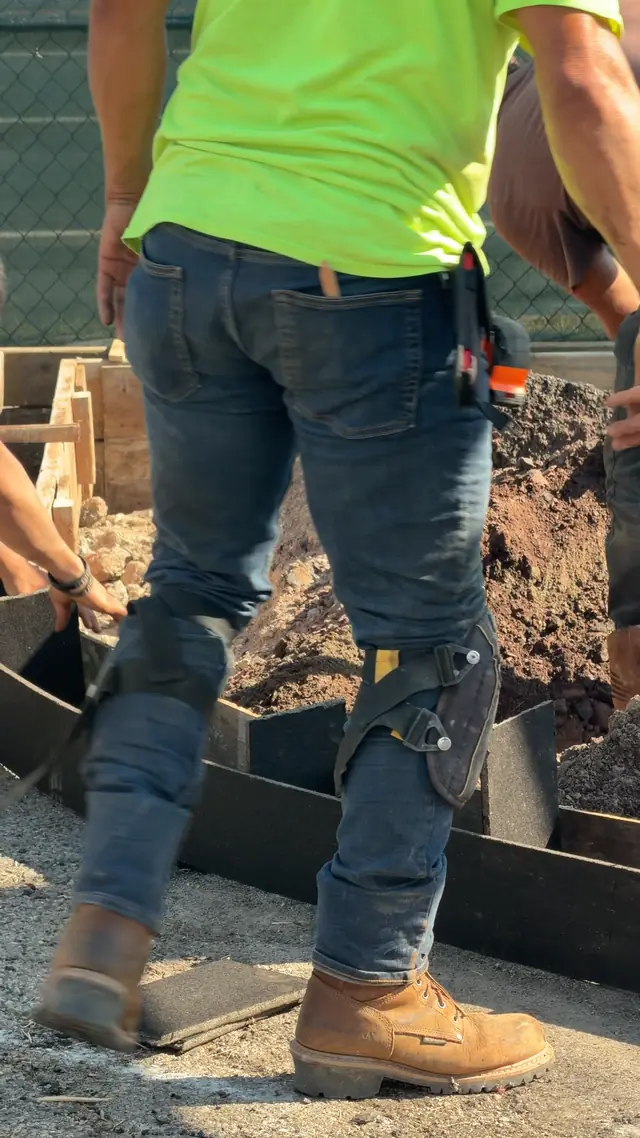
- During the first major trade: film the work being done and the site kept in order.
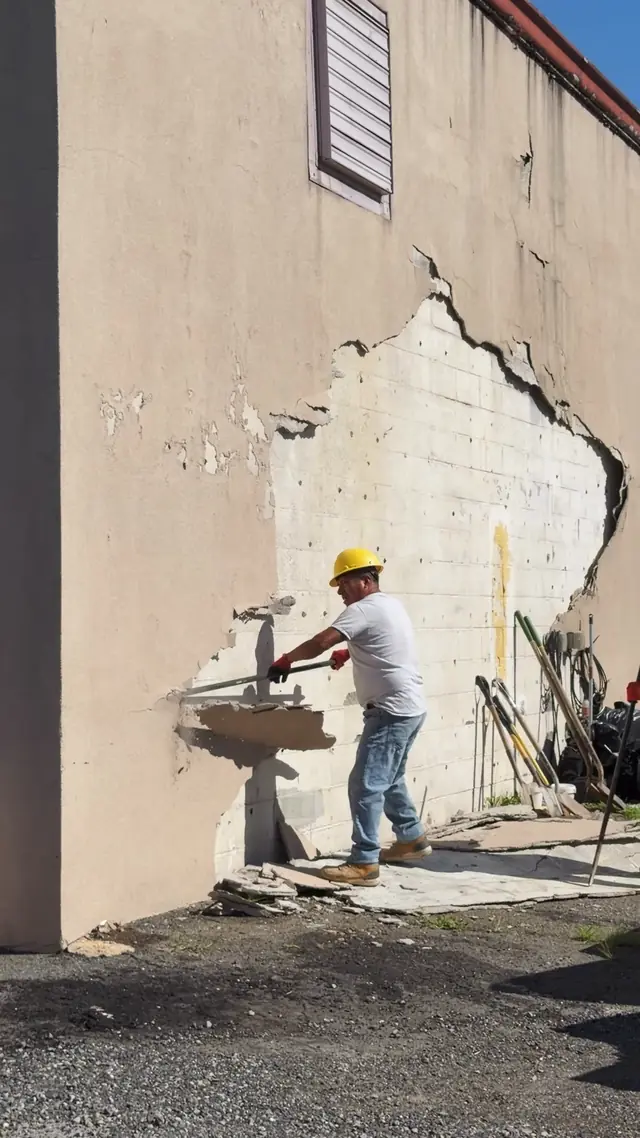
- At a visible milestone: framing complete, a pour finished, a facade stripped back.
- At final cleanup: film the result clean, in good light, before the client moves in.
- A few weeks later, if you can: film it again lived in, which shows how the work holds up.
A starter shot list
If you only film on a phone, this list covers a useful visit in about half an hour. Aim for clips between ten and thirty seconds. You will cut them down later.
| Shot | What to capture | Why it earns its place |
|---|---|---|
| Wide establishing | The whole building or site from the street | Places the work in its setting |
| Close on the finish | Texture, edges, joints, detail | Shows the craft |
| Work in motion | A trade at work, hands and tools | Shows how the job is run |
| The walk | A slow walk along the result | Matches what a visitor would see |
| Before and after pair | Same angle at start and end | Shows what changed |
Where one shoot gets used
A single visit can feed several places, which is what makes it worth doing. Decide before you film which of these you want, so the shoot covers them.
Your website
A short clip on the home page and one on each service page.
Google Business Profile
Recent clips and stills of real jobs.
Bids and proposals
A link to a clip of similar work.
Hiring posts
The crew and the site, so applicants see where they would work.
Social posts
The vertical cuts, a few a week from one library.
The time problem is real. The contractors doing the best work are usually on site all day, and marketing is the job that does not get done because no one has the hours. That is the reason to hand it to someone who films on site, cuts the footage and delivers it ready to post. Done once per job, it builds a library over time, and each finished project becomes something you can point to.
- Your website: a short clip on the home page and one on each service page.
- Your Google Business Profile: recent clips and stills of real jobs.
- Bids and proposals: a link to a clip of similar work.
- Hiring posts: the crew and the site, so applicants see where they would work.
- Social posts: the vertical cuts, a few a week from one library.
Questions people ask
Do I need a lot of footage to make it worth it?
No. One visit to one job can produce a vertical cut and a set of stills. A library grows from repeating that on each project.
Does video replace reviews?
No. Reviews and footage do different jobs. Reviews are what clients say about you. Footage is what the viewer sees for themselves.
Can you film a job that is still in progress?
Yes. Progress coverage on an active site is part of what we shoot, alongside the finished building and before and after sequences.
Should I film on my phone or hire someone?
A phone is a fine start for progress clips. Hiring helps when you want aerials, steady cuts, and finished files you can post without editing it yourself.
What do I receive at the end?
Finished cuts you can post, cut for the platforms you use. The book page covers how to arrange a shoot.
More on filming your work
- 8 min readHow Video Helps a Contractor Win Bids and ReferralsWhat to film, how long to make it, and where to put it so a bid reviewer or a referred friend can see your work before the first conversation.
- 7 min readFilm the Job the Day It Is DoneA shot list and visit plan for filming a construction job: the before, the during and the day it is finished, with light, clip length and file tips.
- 9 min readHow a Contractor's Video Gets Found OnlineWhere finished-work video and photos should live so people can find them: your business profile, website, video channel and proposals, and what to write.