How Video Helps a Contractor Win Bids and Referrals
8 min read
The short answer
Treat footage as a second attachment to your bid and a second thing a happy client can forward. Make one short capability clip for proposals, one short project clip per trade, and one vertical cut that fits a text message. None of it replaces your numbers, references or insurance. It gives the reader a fast, honest look at the work behind them.
Key takeaways
- Cut one shoot three ways: a landscape clip for bids, a link on the proposal, and a vertical cut a client can forward.
- Keep the capability clip short and put the finished work in the first seconds.
- Make a short project clip per trade, so a reviewer can find the one that matches the scope.
- Footage supports references, insurance and a clear scope. It never stands in for them.
- Keep a library organized by trade and by job, so the right clip is one search away.
What a bid reviewer does with your package
Owners, general contractors and property managers who compare bids usually have a stack to get through. The numbers get compared first. Then the reviewer looks for a reason to trust one bidder over another, and that is where qualifications, references and photos come in.
A short clip fits that moment. It can be opened in seconds, it shows the type of work, the scale and the finish, and it does not ask the reader to take your word for anything. It is one more thing in the package, not a replacement for anything in it.
Be plain about what it does. A clip does not make a price better or a schedule shorter. It helps a reader picture the people behind a bid they have not met yet.
- Put a link in the cover letter, not only in an attachment, so it can be opened from a phone.
- Say in one line what the clip shows and how long it runs.
- Check that the portal accepts links before you rely on one. If it does not, name the clip in your cover email instead.
Which clip for which situation
One long reel is rarely the right answer. Different readers want different things, so build a small set and use the one that fits.
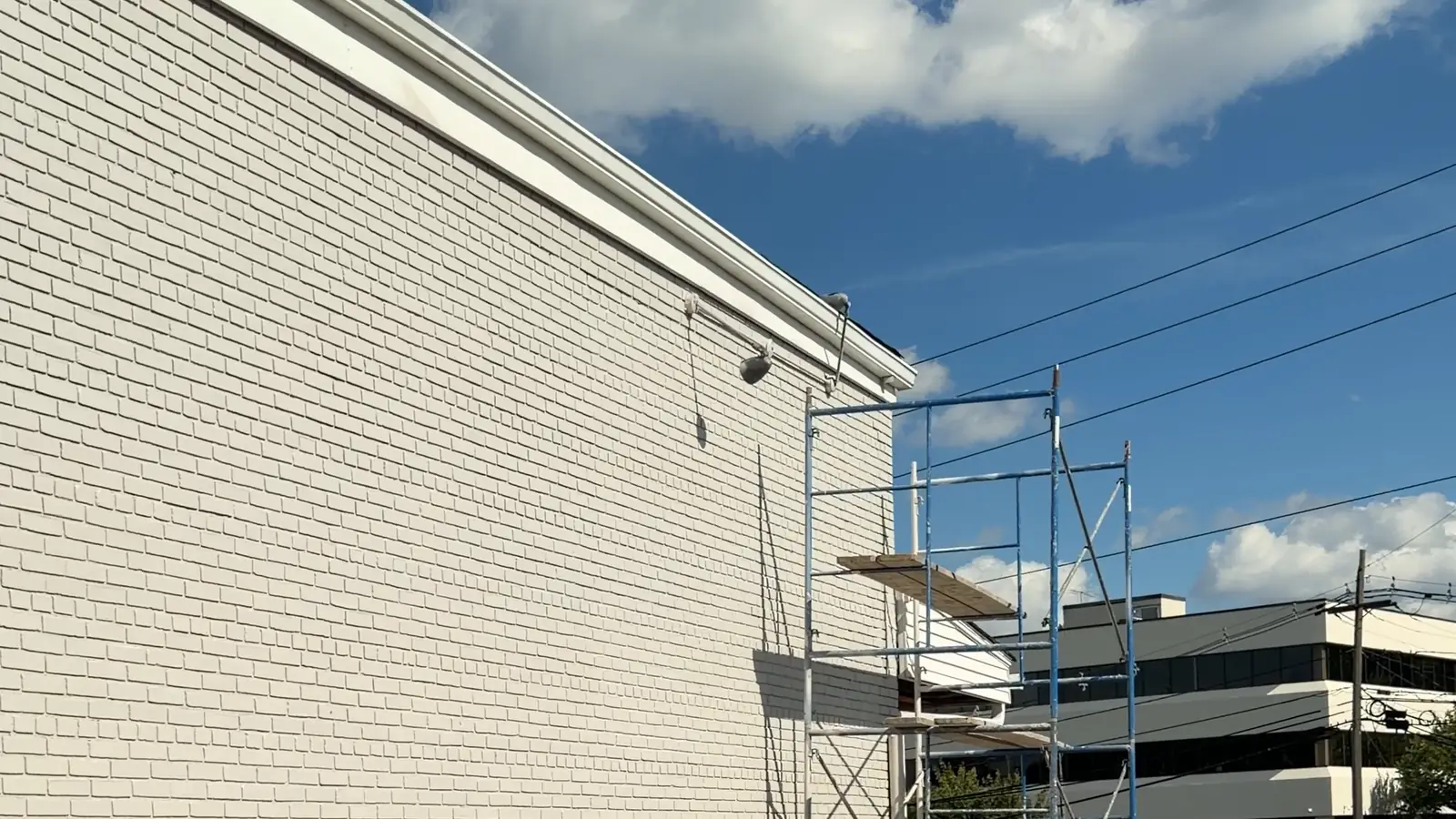
A bid package clip
A landscape cut of finished and in progress work.
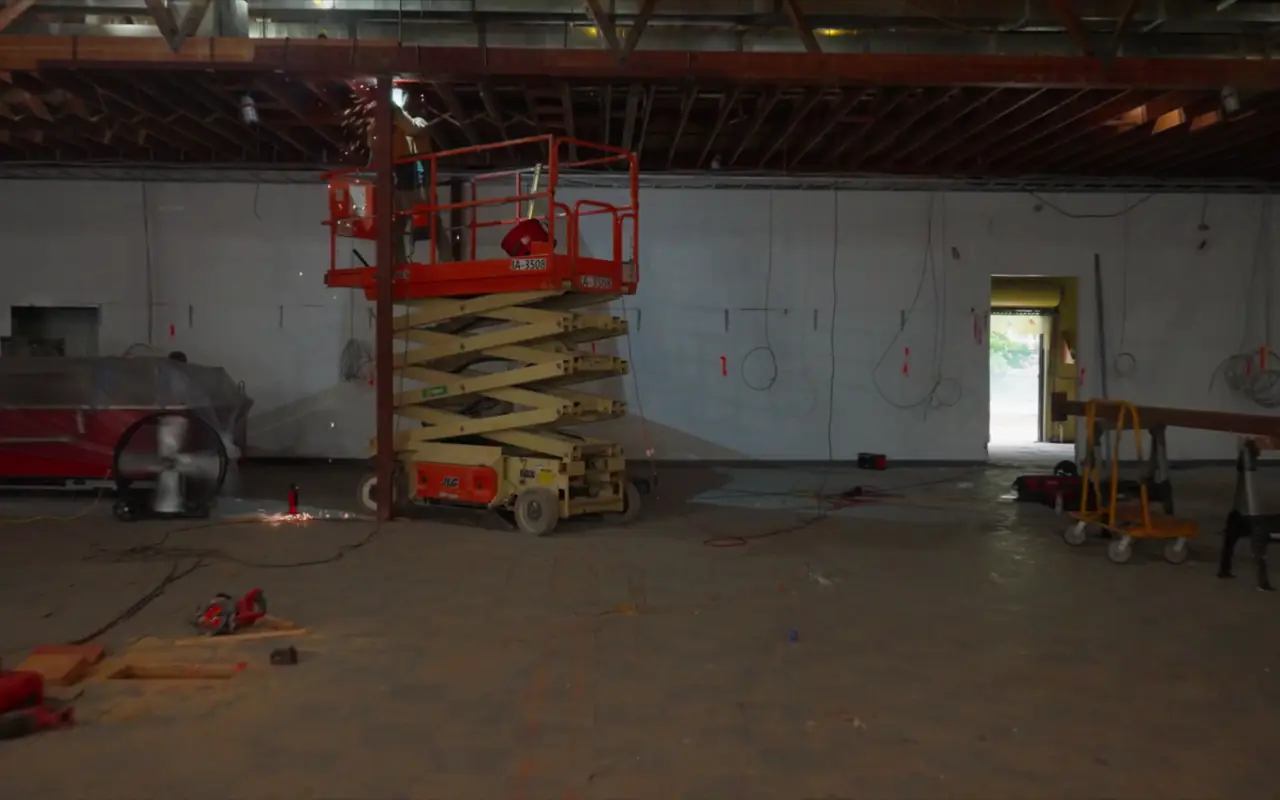
A proposal link
One link to a clip of similar work.
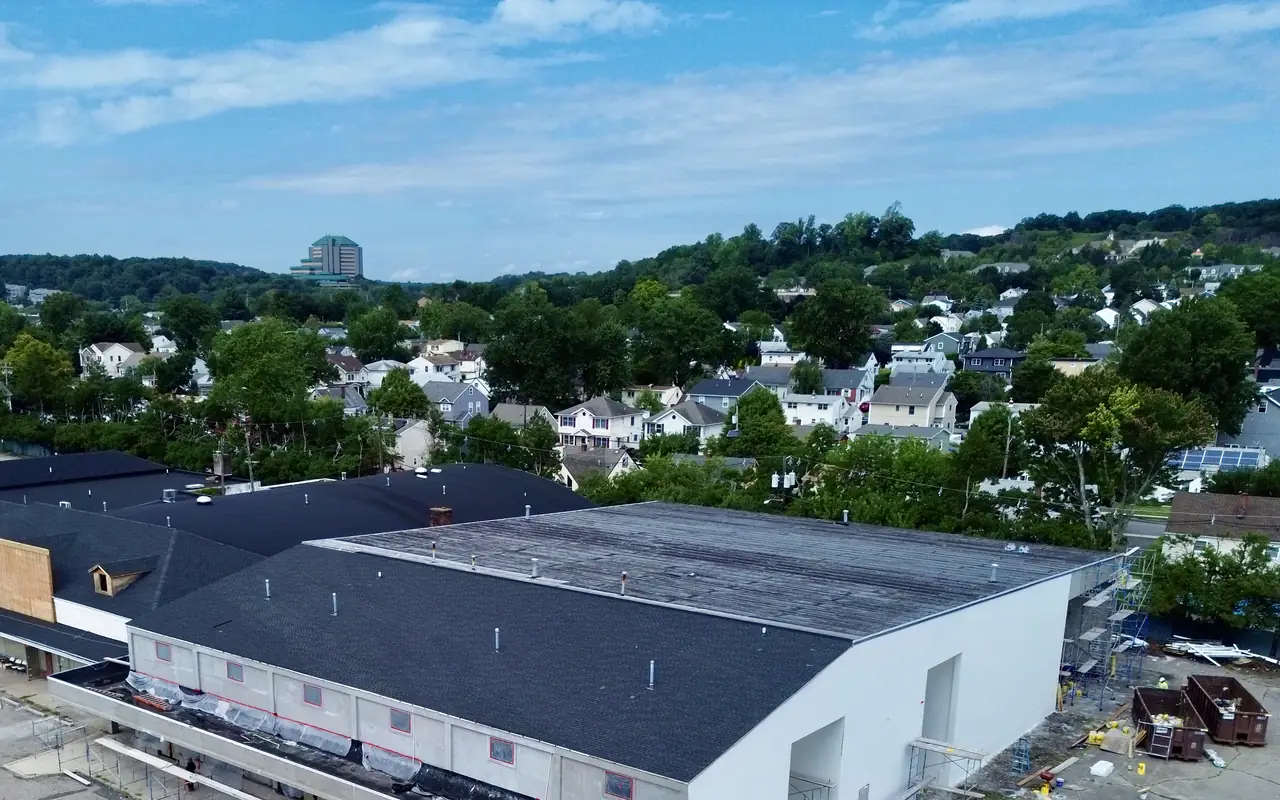
A cut a client can forward
A short vertical cut that is easy to send on.
The simplest set has three members. A capability clip says who you are and what you build. A project clip shows one finished job in one trade. A forwardable cut is vertical and short, made for a text message or a social post.
| Situation | Clip | Shape |
|---|---|---|
| Formal bid package | Capability clip | Landscape, short, finished work first |
| Bid for one trade | Project clip for that trade | Landscape, one job, before and after if you have it |
| Proposal to a private owner | One link line near the top | Landscape, opens in a browser |
| Property manager checking a vendor | Capability clip plus one recent job | Landscape, easy to forward inside their office |
| Past client wants to recommend you | Forwardable cut | Vertical, short, no sound needed |
The first ten seconds of a capability clip
Most people decide in the opening seconds whether to keep watching. So the order matters more than the length. Open on finished work, because that is the proof. Then show the trade being done, so the reader sees the hands behind the result.
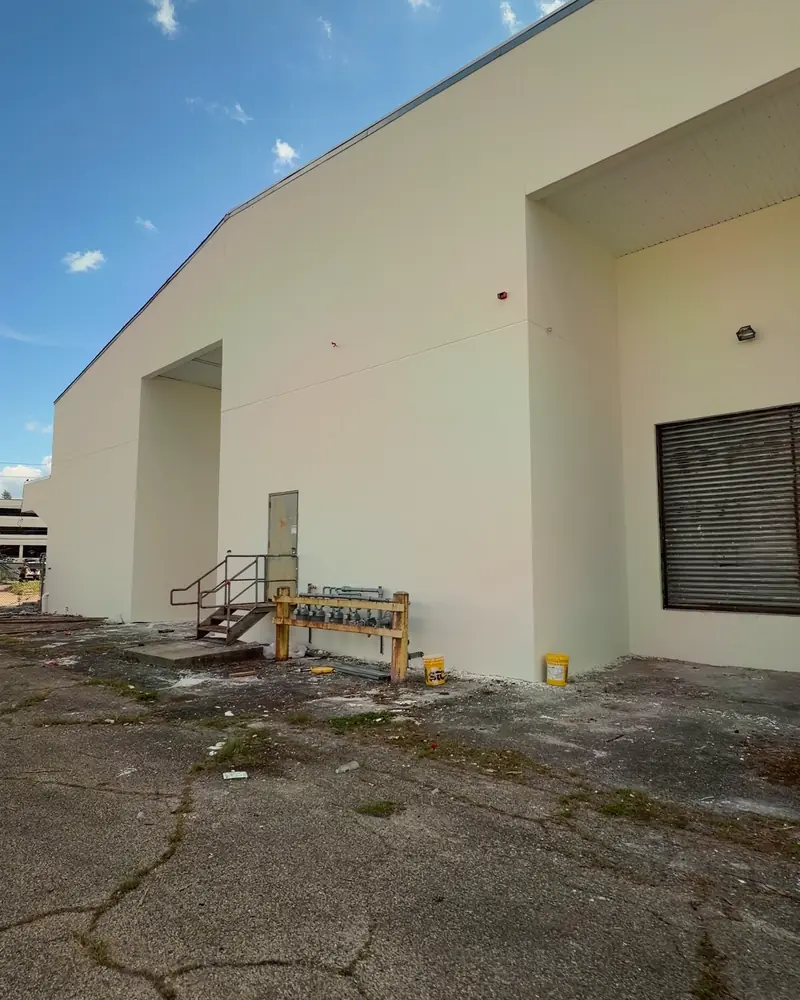
Finished work, wide
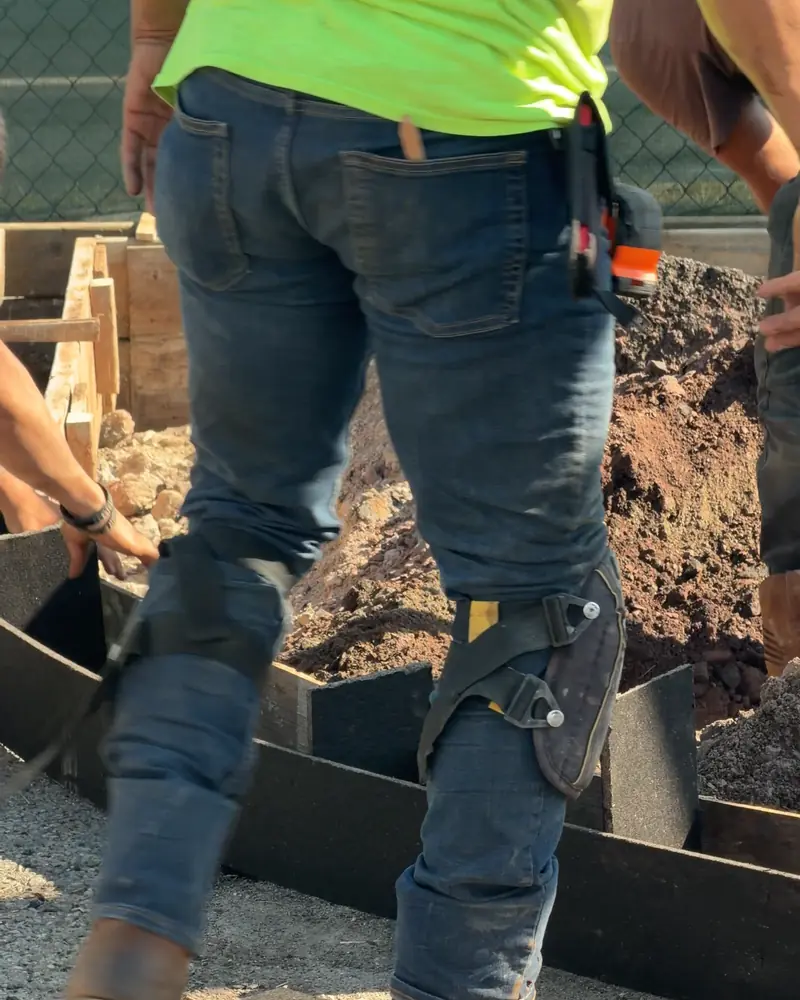
The trade at work, close
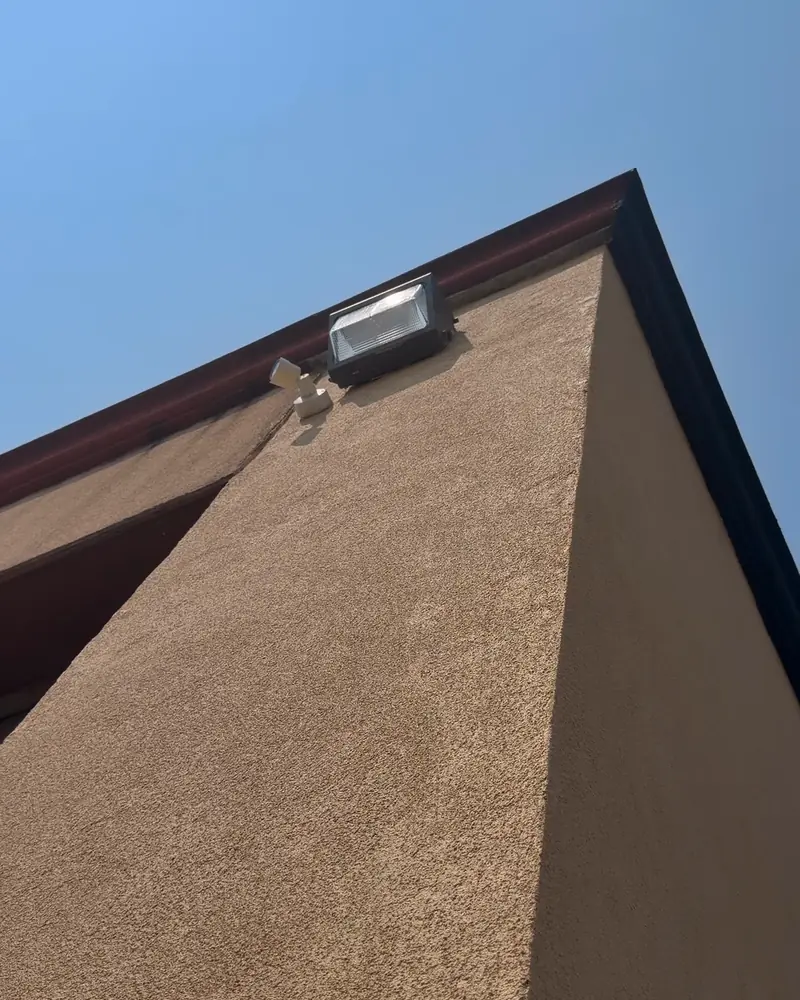
A detail that shows care
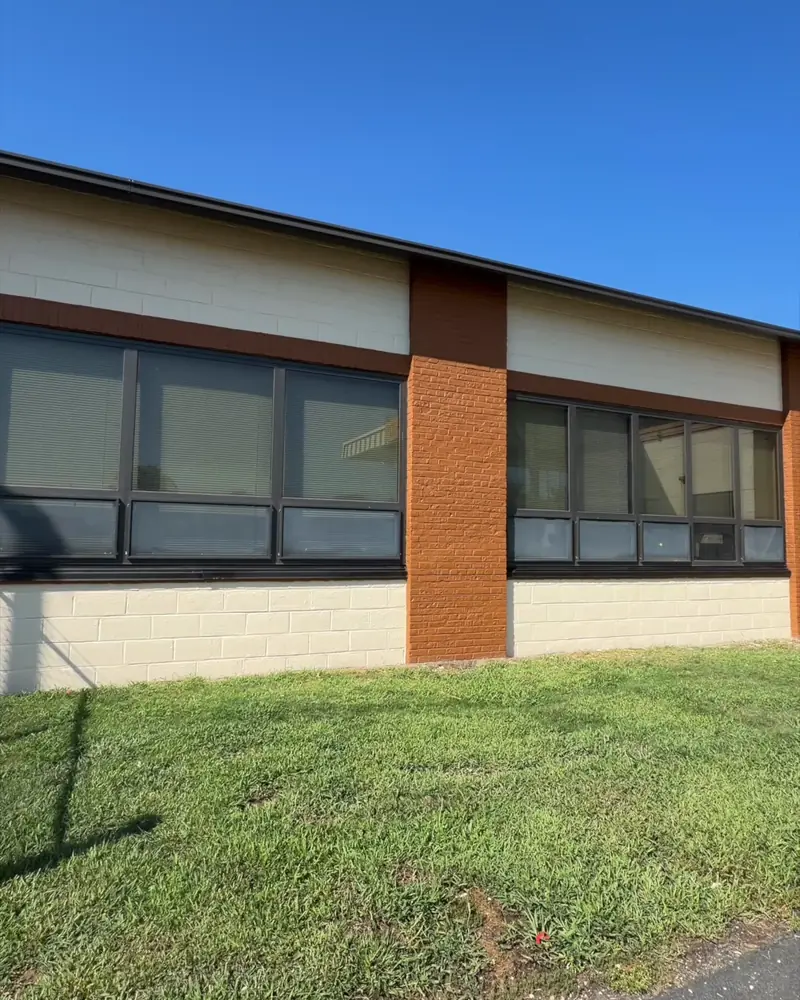
Your name and town
Keep the clip short enough to watch without deciding to. Under a minute is a sensible target for a bid package. Shorter works for a proposal link. A reviewer who wants more can ask for it.
- Open on the finished work, wide, in good light, with nothing in the way.
- Cut to the trade at work, close enough to see the technique.
- Add one detail that shows care, such as a clean edge, a tight joint or a straight line.
- Close the opening with your company name and the town, as plain text.
- Stay on one or two more jobs, then end. Do not pad the clip to fill a minute.
A clip per trade, and a library behind it
A bid for masonry should not send a reviewer through a reel of framing. Make a short project clip for each trade you bid, and name the file so it can be found. The reviewer sees the scope they asked for.
The work we film shows how this goes. A residential hardscape shot the day it was finished, set against frames of the same ground torn up, reads as one clear job. A commercial rebuild walked and explained on camera mid-job shows how the work is run. Those are two different clips for two different readers.
Behind the clips sits a library. Folder it by trade, then by job, and keep the best three or four shots of each job tagged as the ones to reach for first.
Giving a happy client something to forward
Referrals travel by text, email and conversation. When a client says they will pass your name on, they are usually working from memory. Hand them something specific instead.
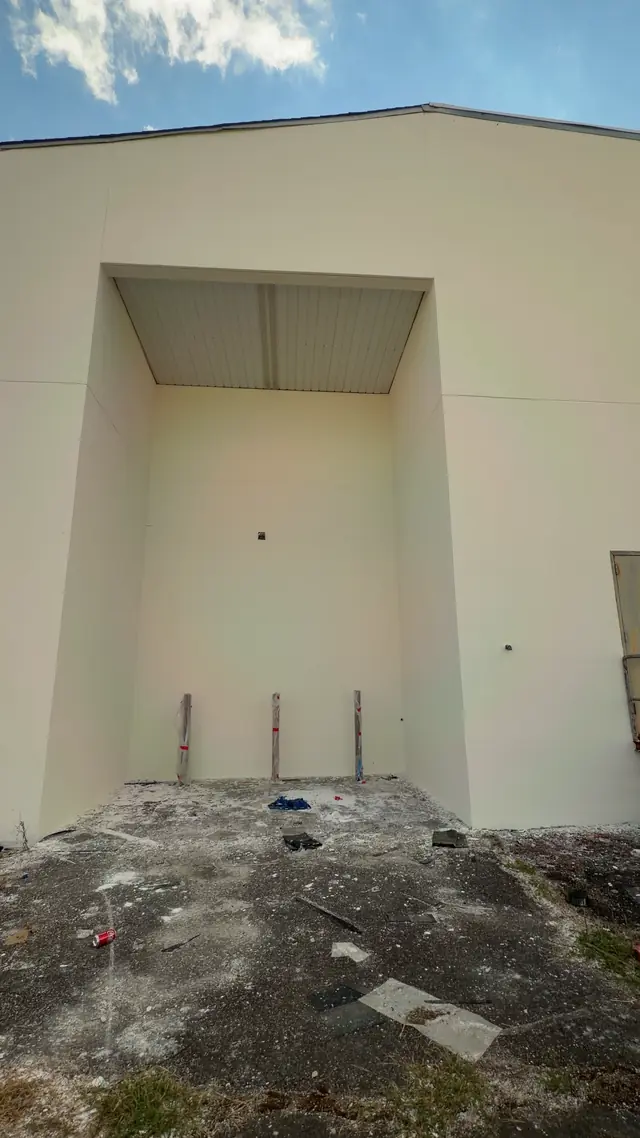
A finished job
The work is done and filmed.
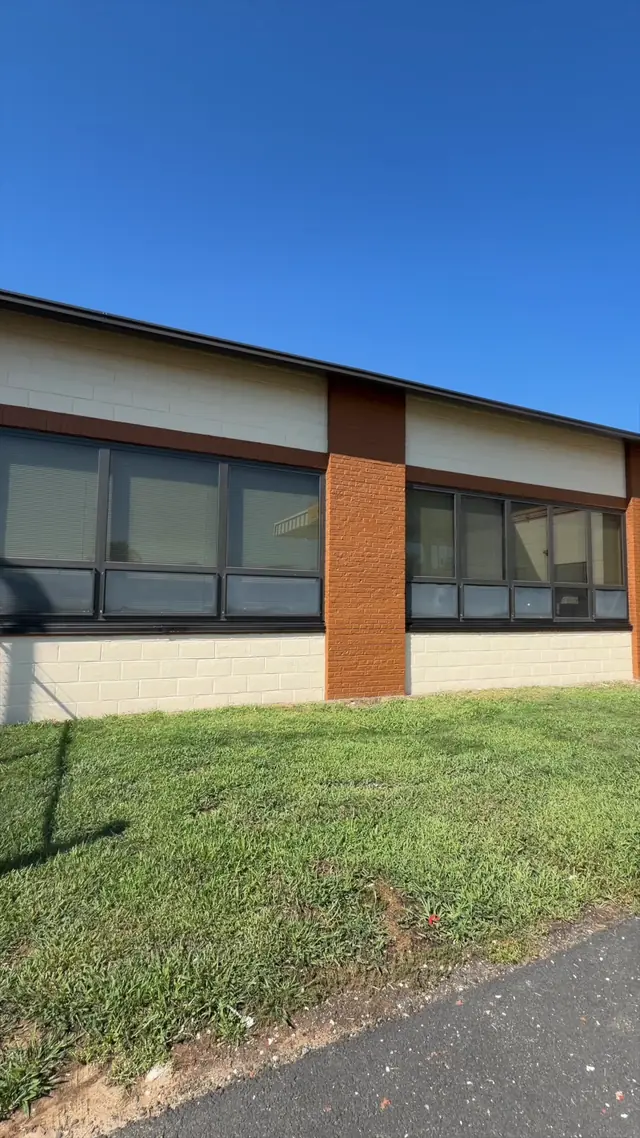
A short vertical cut
The client receives a cut made for a phone.
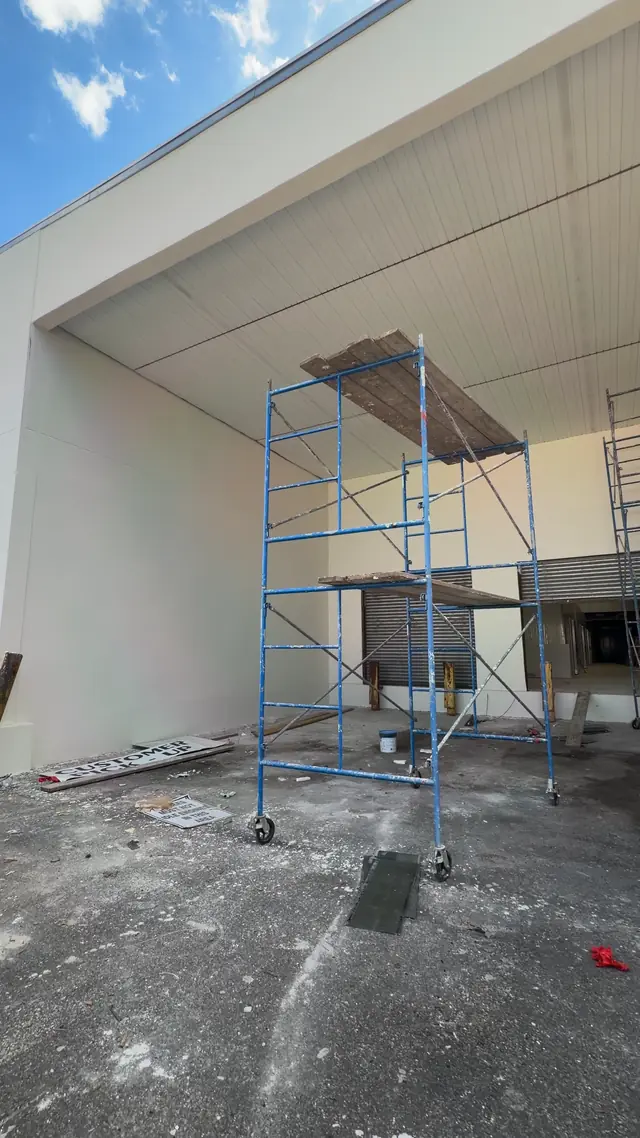
Sent to a friend
They forward it to someone who needs the same work.
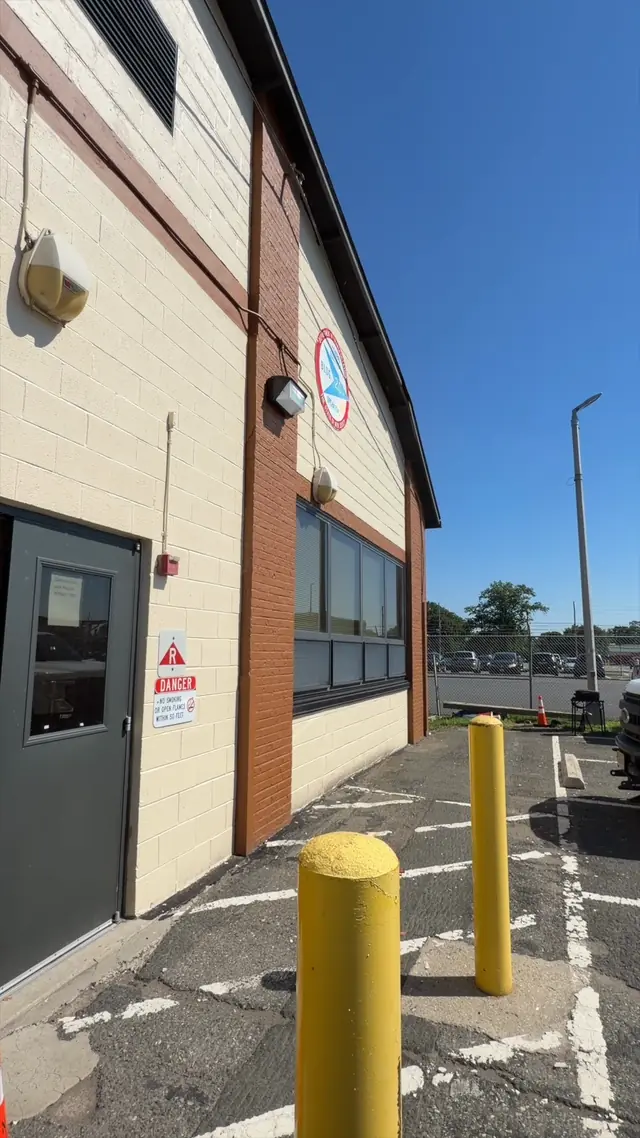
The friend sees the work
They have seen the job before they call.
A short vertical cut of their finished job, with no sound needed, is easy to send. It shows the result in a few seconds, and the person who receives it can see the work before they decide to call. The client does not have to describe the job or find the right photo.
- Film the finished job on the day it is done, while the site is clean.
- Cut a short vertical version and give it to the client with the final invoice or at handover.
- Ask once, plainly, whether they would be willing to forward it to anyone who is planning similar work.
- Offer the same cut to past partners and to the trades you worked beside, so they can forward it as well.
What video does not do
Footage is evidence of the work, not of everything a bid reviewer needs. References, insurance, schedule and a clear scope still carry the decision. A clip that contradicts the rest of the package does more harm than none, so only show jobs you would be glad to be judged by.
Keep the claims modest as well. Say what the clip shows, and let the reader decide what it means. If a clip is of a job where you were one trade among several, say which part was yours.
Questions people ask
How long should a bid package clip be?
Under a minute is a sensible target. Put the finished work first, keep to one or two jobs, and stop when you have made the point. A reviewer who wants more can ask for it.
Should the clip go in the bid or on a link?
A link is usually easier to open, especially from a phone, but check what the bid portal accepts. Where it takes only documents, name the clip in your cover email and offer to send it.
Do I need a separate clip for each trade?
It helps. A reviewer looking for masonry wants to see masonry. A short project clip per trade lets you send the one that matches the scope instead of a general reel.
Why a vertical cut for referrals?
Most people open a forwarded message on a phone, held upright. A vertical cut fills the screen, and it needs no sound to make sense.
Can I show a job where I was only one of several trades?
Yes, if you say which part was yours. Overstating your role costs more in trust than the clip gains.
Does footage replace references and insurance?
No. It sits beside them. A reviewer still needs your references, your insurance and a clear scope. The clip gives them a quick look at the work behind those documents.
More on filming your work
- 7 min readWhy a Contractor Needs Video of Its WorkA written claim says you are good. A clip of the job shows it. Why video of finished and active work gives a contractor credibility before the first call.
- 7 min readFilm the Job the Day It Is DoneA shot list and visit plan for filming a construction job: the before, the during and the day it is finished, with light, clip length and file tips.
- 8 min readUsing Video to Recruit TradespeopleGood tradespeople judge a company by how its site looks and how its crew works. How to film that, post it, and put it in a job ad, with consent handled.