Using Video to Recruit Tradespeople
8 min read
The short answer
Film the crew doing real work on a tidy, well run site, cut it short and vertical, and put it where candidates already look: your social pages, your careers page and the job ad itself. A candidate cannot see from a written ad how a crew treats its tools, its site and each other. A clip can show it. Get consent from everyone on camera, leave names off if they ask, and keep pay and schedule in plain words next to the video.
Key takeaways
- Show the day, not the pitch: real work, real tools, a site kept in order.
- One person talking to camera for ten seconds beats a voiceover about company values.
- Put the clip in three places: the job post, the careers page and your social pages.
- Ask everyone on camera first, and honor a request to be left out or unnamed.
- Video shows the work. Pay, hours and travel still belong in written words.
What a candidate cannot learn from a job ad
A job ad tells a carpenter, mason or painter the trade, the area and maybe a start date. It cannot tell them whether the site is orderly, whether the crew uses proper equipment, or whether people there look like they know what they are doing. Those are the things a skilled worker weighs before saying yes, because a bad site costs them time and sometimes safety.
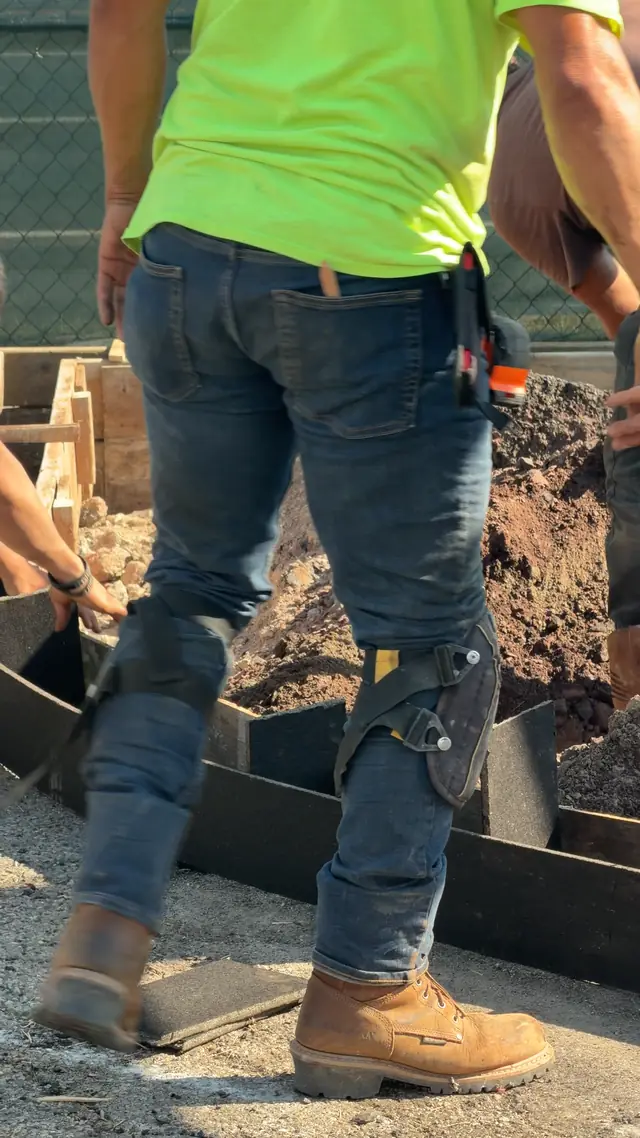
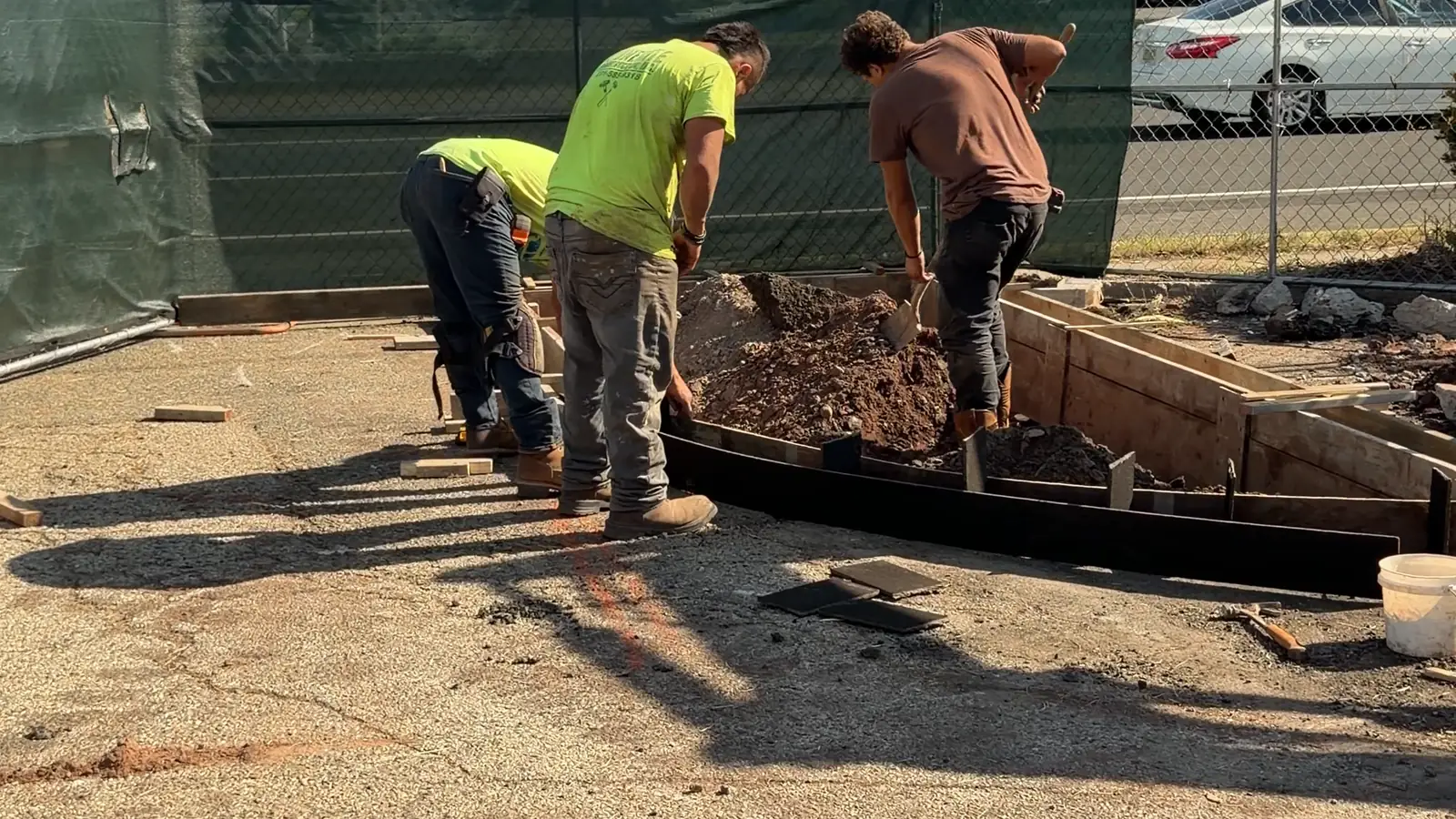
A short clip on social
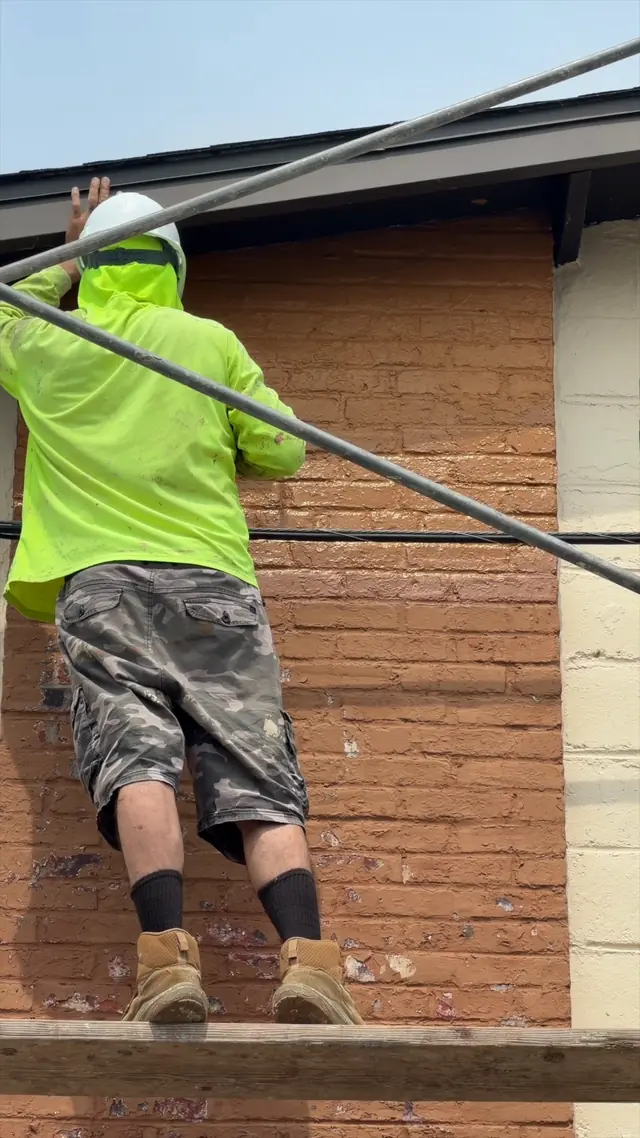
A candidate sees a day on site in a few seconds.
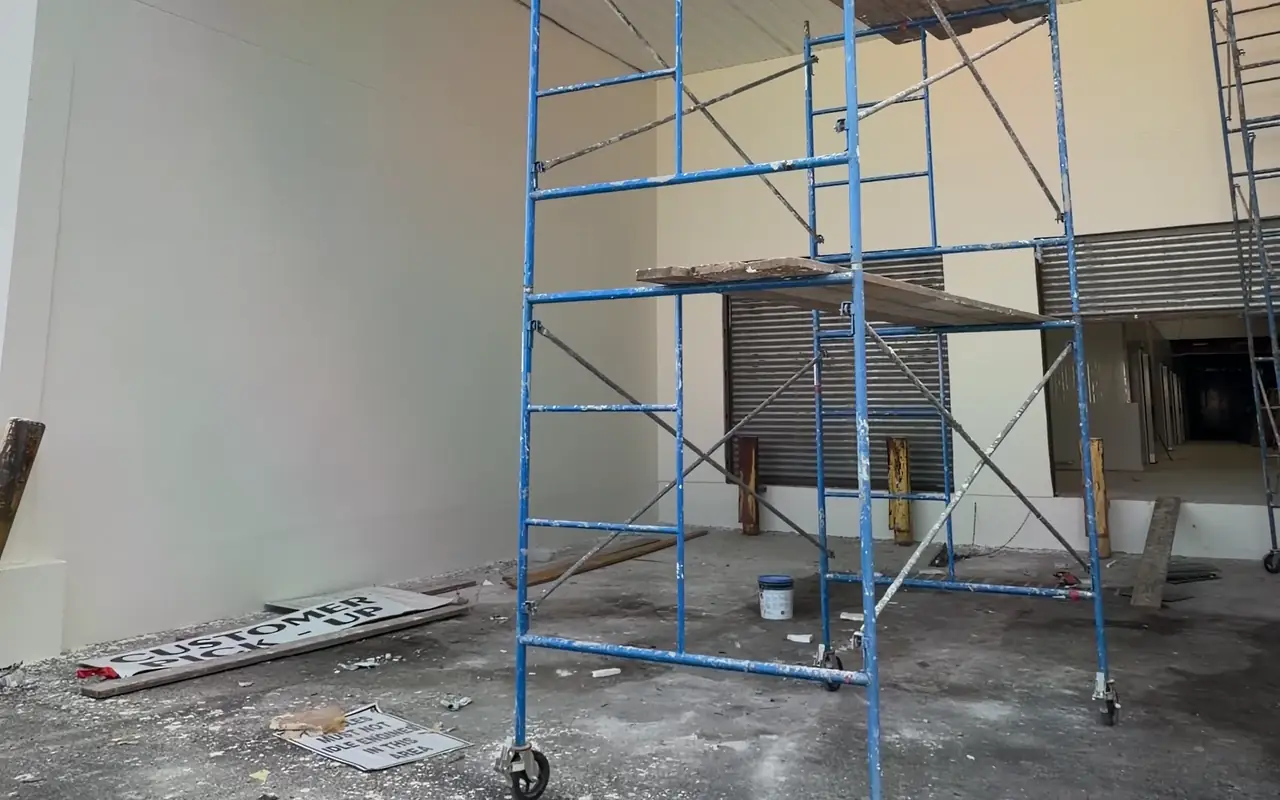
The job post
The post says what the work is and where.
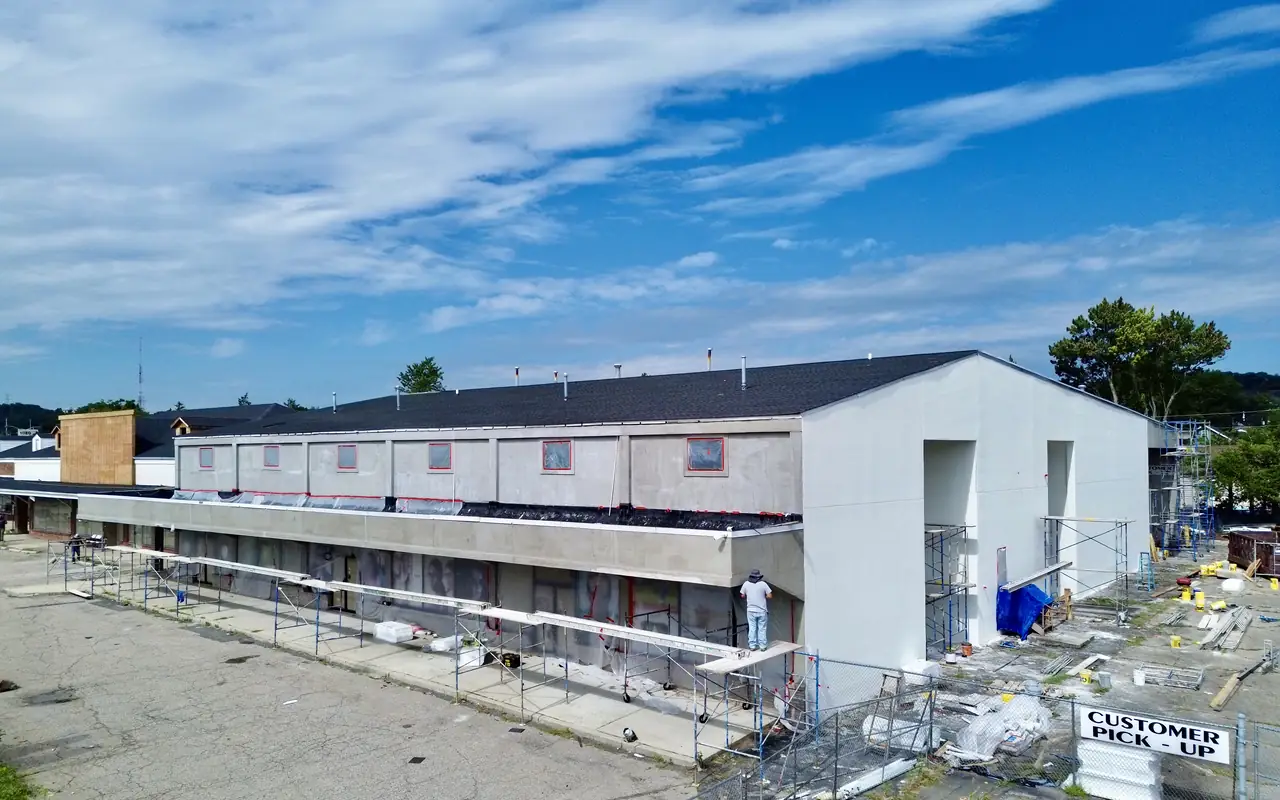
The same clip on the post
The clip answers what a job ad cannot.
The first call
The questions arrive already half answered.
Video closes that gap quickly. A candidate who watches thirty seconds of your crew at work gets an impression no paragraph can give. They see the scaffold, the tools, how the work is laid out and how people move around it. If that looks good, you have answered a question they would otherwise ask on a first call, or never ask because they moved on to the next ad.
This is also a filter in your favor. A clip that shows the real pace and standard of your work tends to bring in people who want that, and lets others decide it is not for them before anyone spends time on an interview.
What to film: match each question with a clip
Start from what a candidate wants to know and film the answer. You do not need a script. You need a few minutes of real work captured from the right angle, in good light, with the site cleaned up first.
The table lists the common questions and the clip that answers each one. Pick three or four for one visit. More than that and the edit drifts into a tour nobody finishes.
| Candidate question | Clip that answers it | Length |
|---|---|---|
| Is the site run well? | A slow walk through the work area: materials stacked, cords up, paths clear | 5 to 8 seconds |
| Is the equipment decent? | Hands on tools, lifts and scaffold in use, close and steady | 5 to 8 seconds |
| Is the work good? | A finished section shown against the same wall before it was started | 4 to 6 seconds |
| Do people get along? | A crew member explaining a step to another, unscripted | 6 to 10 seconds |
| Do they care about safety? | Harnesses clipped, edges guarded, protective gear worn while working | 4 to 6 seconds |
Plan a thirty second day-on-site clip
A day-on-site clip works well because it is the shortest honest answer to the question what is it like to work here. We have cut crew footage this way for social, including a sixteen second piece of a crew on a commercial rebuild, trimmed short for the platforms where it will be seen.
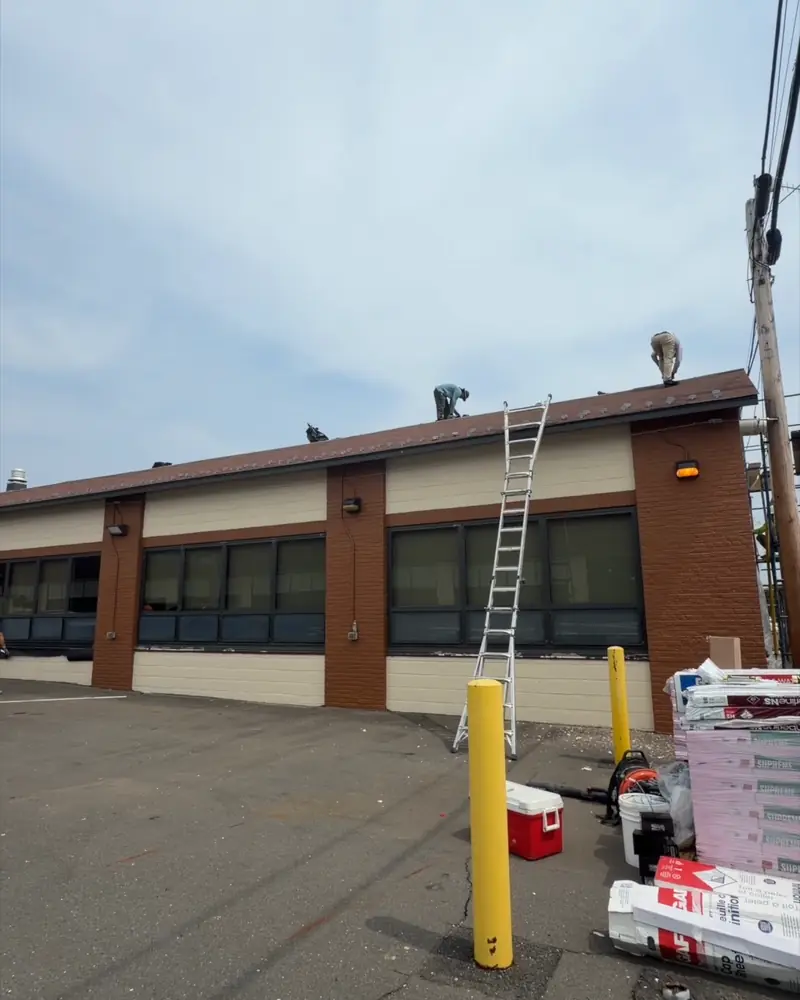
Arrival
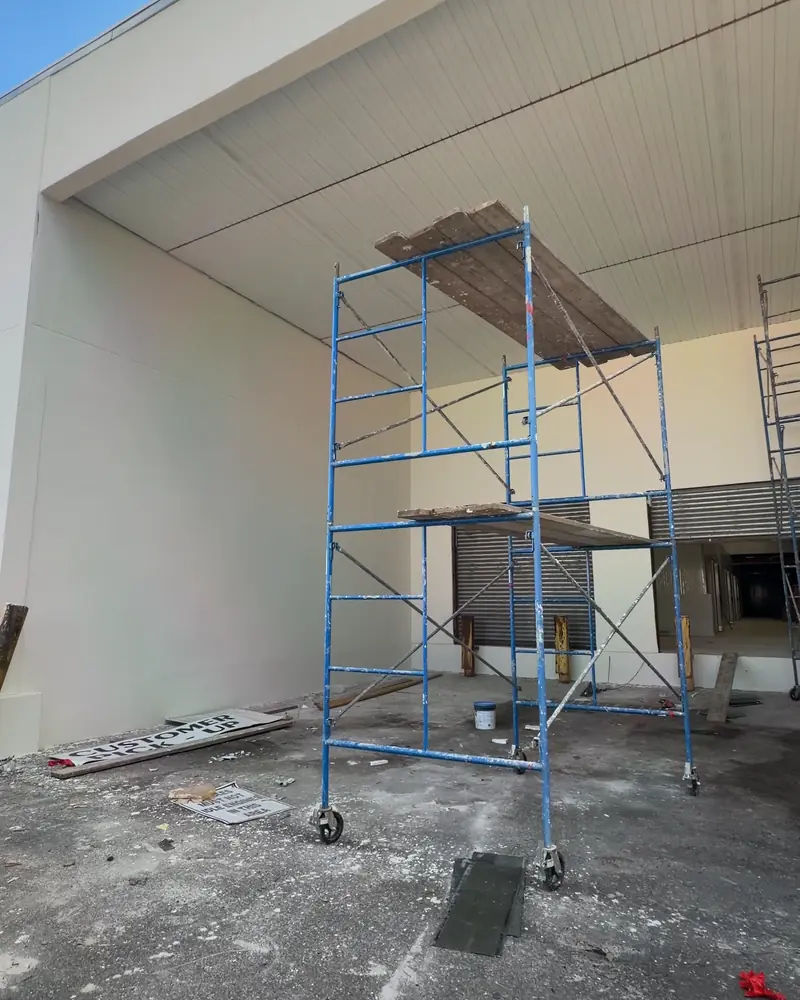
The site
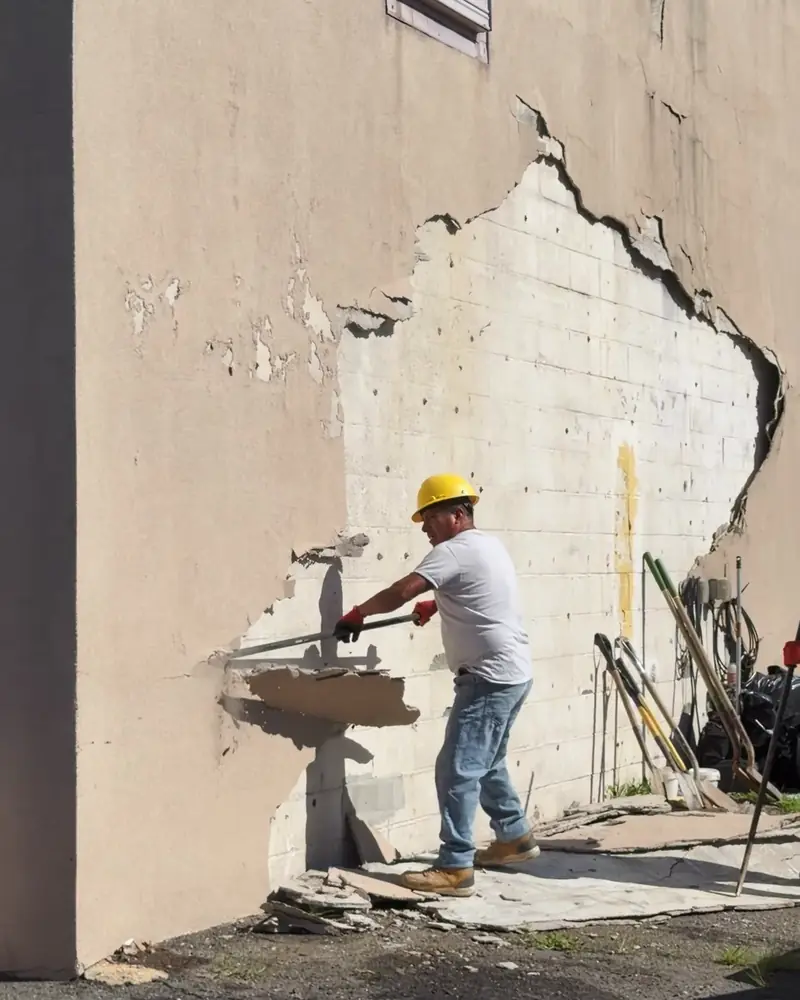
The work
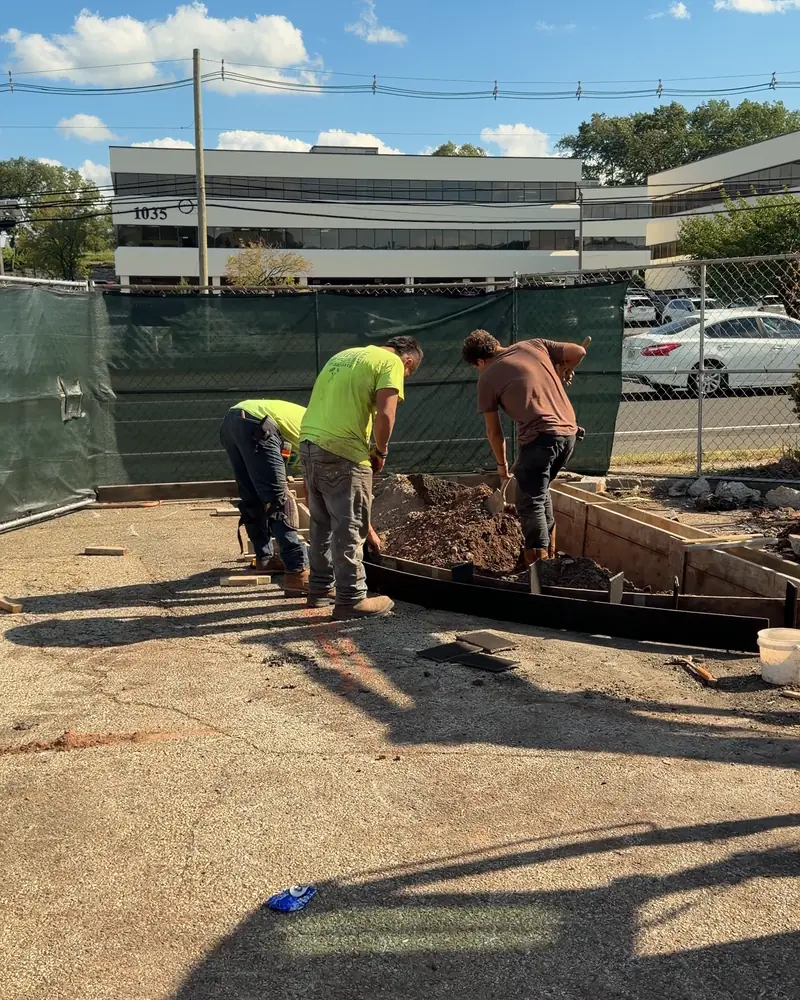
A crew member at work
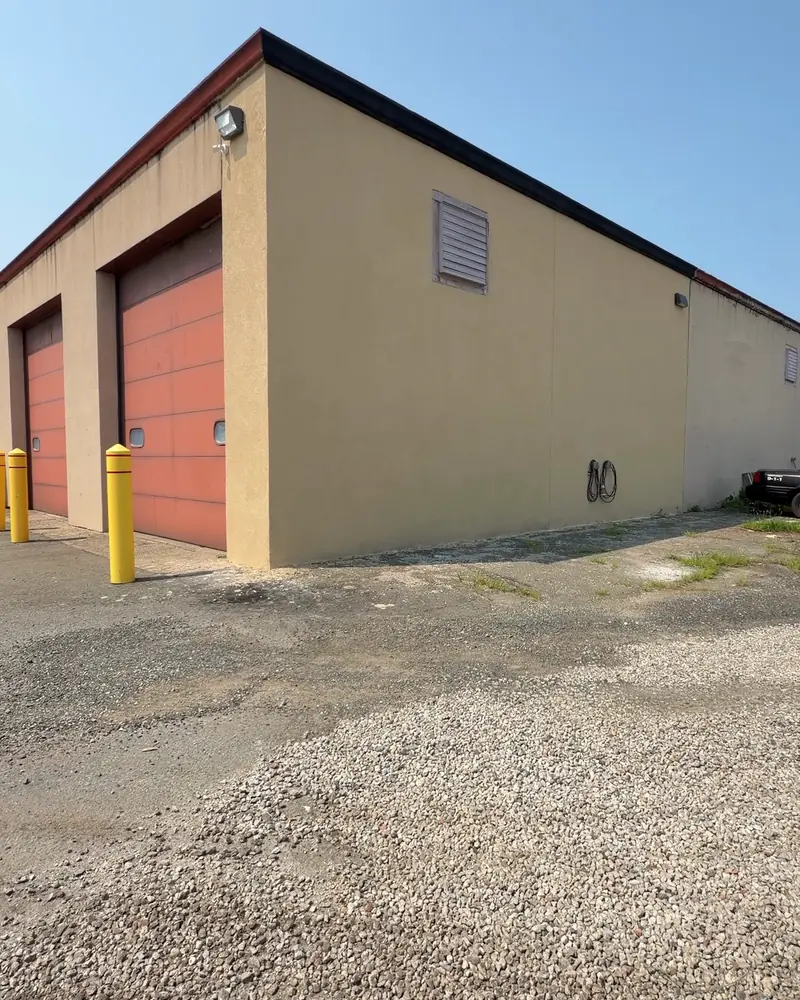
The finished section
Shoot vertical, since most candidates will watch on a phone. Hold the camera steady, shoot more than you need, and keep each shot to a few seconds. The storyboard below shows a simple order that covers the main questions in about half a minute.
- Walk the site first and clear loose material, cut ends and trash from every area the camera will see.
- Shoot the arrival and the site as a wide opening shot, held for a few seconds.
- Shoot two or three close shots of real work, from the side where the hands and tools are visible.
- Ask one crew member who is willing to explain, in their own words, what they are doing and why. Keep it under ten seconds.
- End on a finished section, then add a line of text with the trade, the area and how to apply.
Safety is something to show, not to claim
A line saying you take safety seriously costs nothing and proves nothing. A shot of a worker clipped on at the roof edge, a guarded opening, or a clean walkway shows the practice itself. Candidates who work at height or around machinery notice these things at once.
The reverse also holds. Do not film a shortcut and cut around it. If something on the site is not right, fix it before the camera arrives, because a clip that shows a hazard will be read as how you run all your jobs.
Consent, names and what to leave out
Anyone who appears clearly on camera should agree to it before it goes online. Ask in person, say where the clip will be posted, and make it easy to say no. Some people prefer not to be named or shown at all, and that is a reasonable request to honor without discussion. Subcontractors on your site need the same courtesy, and their company may have its own view.
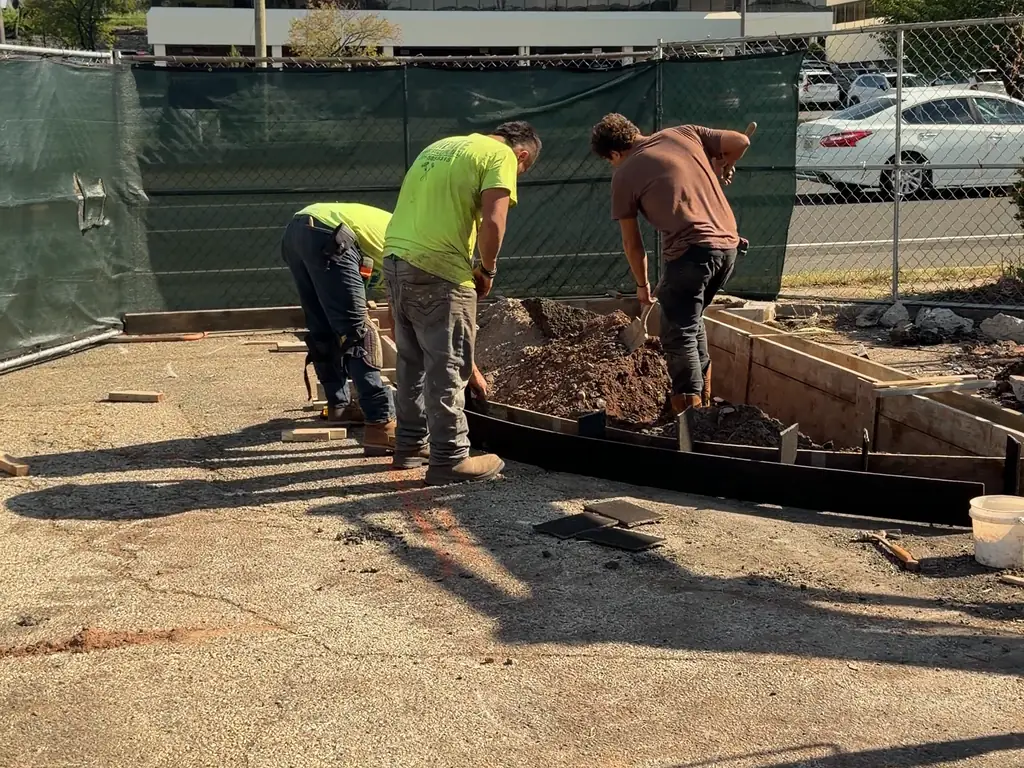
- Film hands and tools in use, shot from behind or the side.
- Film the work itself, such as forms set and material placed.
- Leave out parked vehicles, plates and neighbouring signs.
- Leave out the face of anyone who has not agreed to be filmed.
Also check the surroundings. A client's house number, a delivery truck with another company's name, a license plate or a neighbor's window can all end up in the frame. Leaving these out protects the people involved and spares you an awkward request to take the clip down.
- Leave out client names, addresses and anything that identifies the homeowner.
- Leave out anyone who has not agreed, including people in the background.
- Leave out a messy area, an unsafe shortcut or equipment used wrongly.
- Leave out pay figures and promises you cannot keep to every candidate.
Where to put the clip so candidates see it
Make one good clip and use it in three places. Put it at the top of the job post, since many job boards and social posts can carry a short video. Put it on a careers page of your own website, with the trades you need, the area, and how to apply. Post it on the social pages your crew and local trades already follow, with the same short text.
Keep the written details next to the video: the trade, the location, the type of work, the hours and how pay is set up. Video shows the working environment. It does not replace the facts a candidate needs to decide, and an ad that hides them reads as evasive.
Once a clip is live, mention it in the first reply to an applicant. People who have watched it arrive with better questions, and the first call can go straight to scheduling a site visit.
Questions people ask
Do I need a professional crew to film recruiting video?
No. A steady phone, good light and a clean site get you most of the way. A professional shoot helps with stable footage, aerials for large sites and a clean edit, and it saves a busy foreman the time.
How long should a recruiting clip be?
Around thirty seconds for the main clip, and a few shorter cuts of ten seconds or less for social. Short enough to finish on a phone is the test.
Can I use footage that shows subcontractors?
Ask first, and ask their company too if their branding is visible. If a sub prefers not to appear, shoot around them or use a different angle.
Should the clip show pay?
Keep pay in written words beside the video, where you can update it. A clip stays online long after a rate changes.
What if my site is not photogenic?
Most working sites are not. Tidy the areas the camera will see, shoot at the cleanest time of day and focus on hands, tools and finished sections.
More on filming your work
- 7 min readWhy a Contractor Needs Video of Its WorkA written claim says you are good. A clip of the job shows it. Why video of finished and active work gives a contractor credibility before the first call.
- 7 min readFilm the Job the Day It Is DoneA shot list and visit plan for filming a construction job: the before, the during and the day it is finished, with light, clip length and file tips.
- 9 min readHow a Contractor's Video Gets Found OnlineWhere finished-work video and photos should live so people can find them: your business profile, website, video channel and proposals, and what to write.