How a Contractor's Video Gets Found Online
9 min read
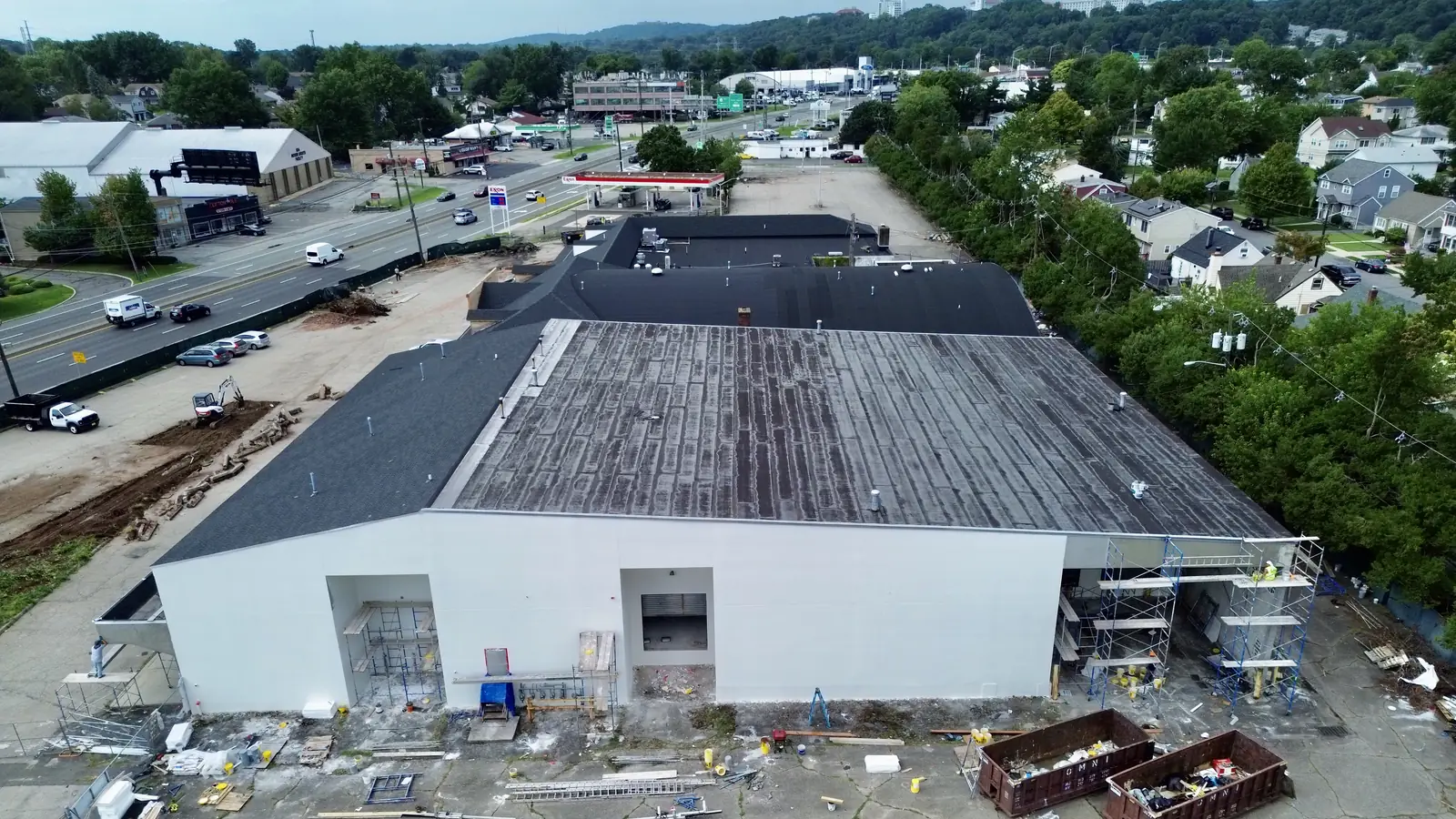
The short answer
Video of your work helps people find you when it is placed in a few specific spots and described in plain words: your business profile, a project page on your website, a video channel, social, and the links you already send. Each piece needs a clear title, the trade and the town. No one can promise where search will show it, but accuracy, freshness and consistency are yours to control.
Key takeaways
- Footage on a phone helps no one. Put it in a few named places and describe it in words.
- Name the trade and the town in every title, caption and file name.
- Keep the business name, service area and phone identical everywhere they appear.
- Post real, recent work only, and add to it once a month instead of in bursts.
- Search results are not yours to control. The evidence you publish is.
What you control and what you do not
Nobody outside Google can promise where a page will appear in search, and this article does not. What a contractor does control is how clear, current and consistent the evidence of the work is. Search systems and the people using them read the same things: a business name, a trade, a town, a photo or clip of real work, and words that explain it.
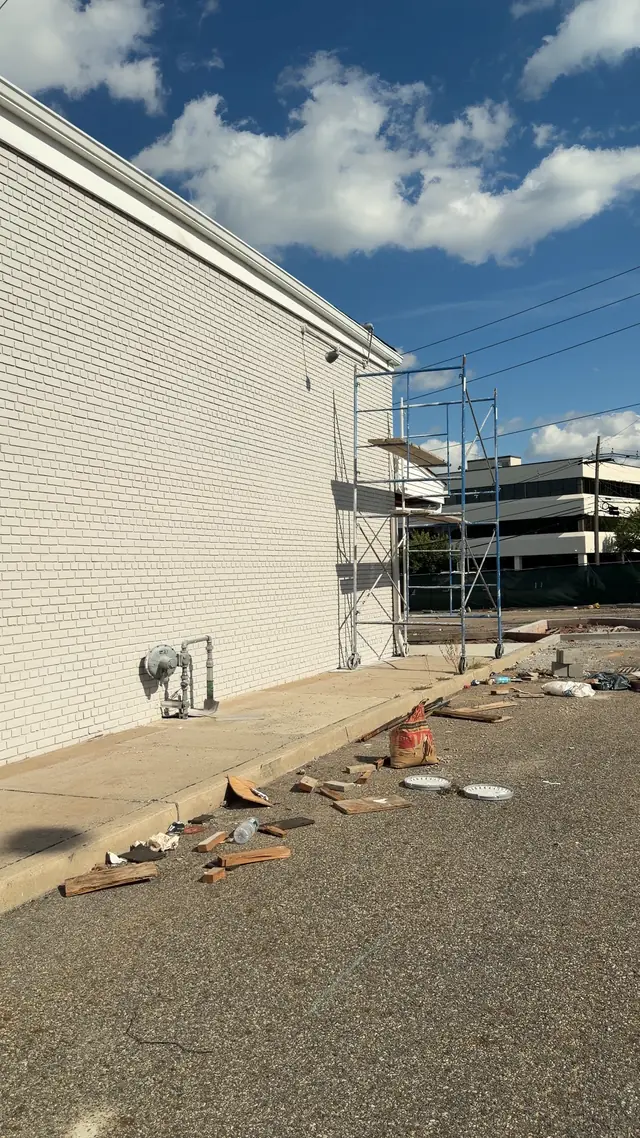
Business profile
Recent clips and stills of real jobs.
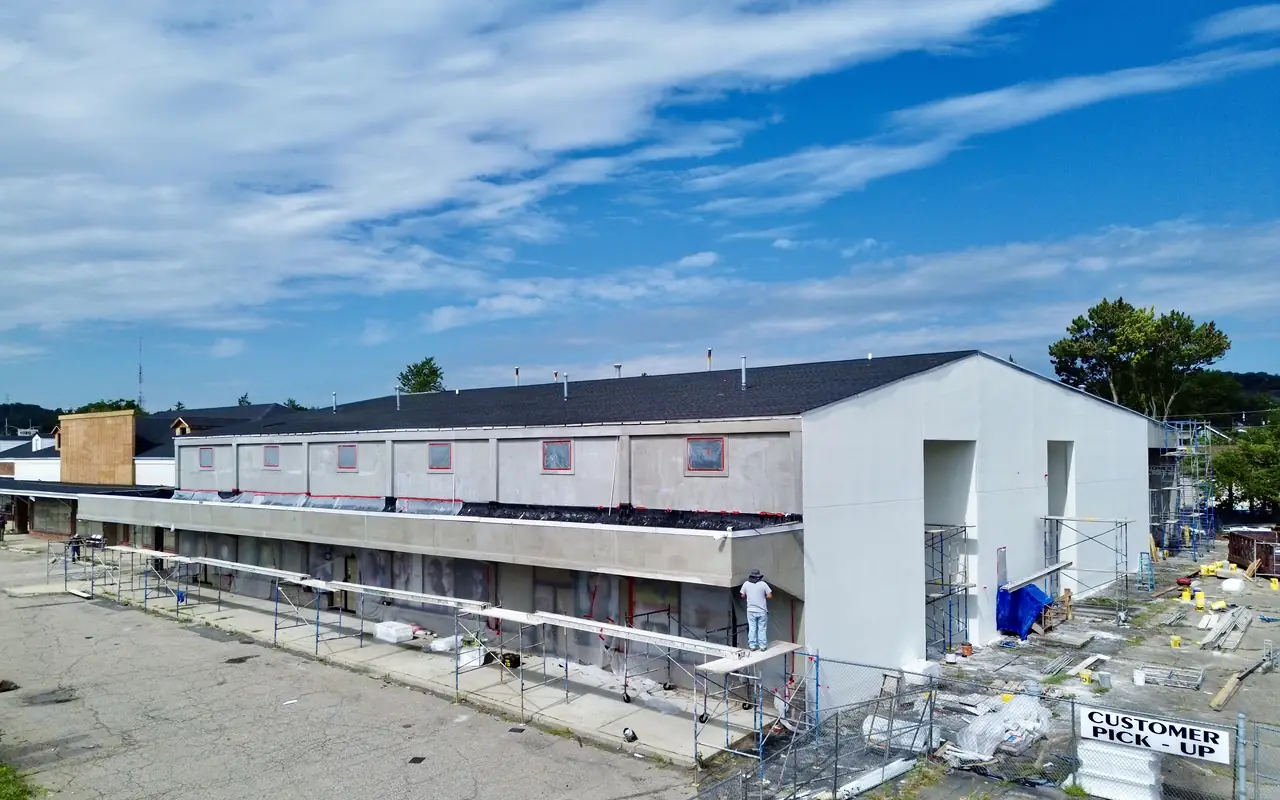
A page on your website
A clip under a plain heading that names the trade and the town.
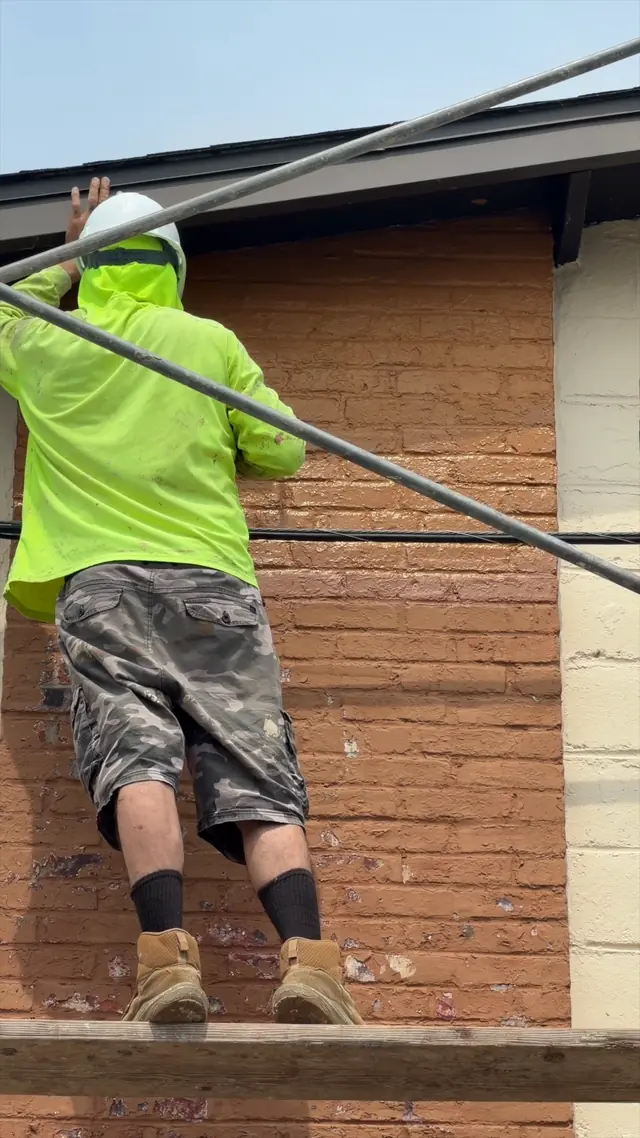
Social channels
Vertical cuts, a few a week.
Email signature
One link to a clip of recent work.
Proposals
A link to a clip of similar work.
Footage that sits on a phone helps no one find you. Footage placed in the right few spots, each with plain words beside it, gives both a search engine and a human visitor something to read. That is the whole idea: one shoot, used in several places, described the same way each time.
The things within your control are the quality and freshness of what you post, the words you attach, and whether your business name and service area read the same everywhere. The things outside your control are rankings, how often a clip is shown, and whatever a platform changes next month. Plan around the first list and watch the second.
One shoot, five places it can live
Plan the shoot with the destinations in mind. A single finished job can produce a short vertical clip, a longer walkthrough and a set of stills. Each piece has a natural home, and each home wants slightly different words.
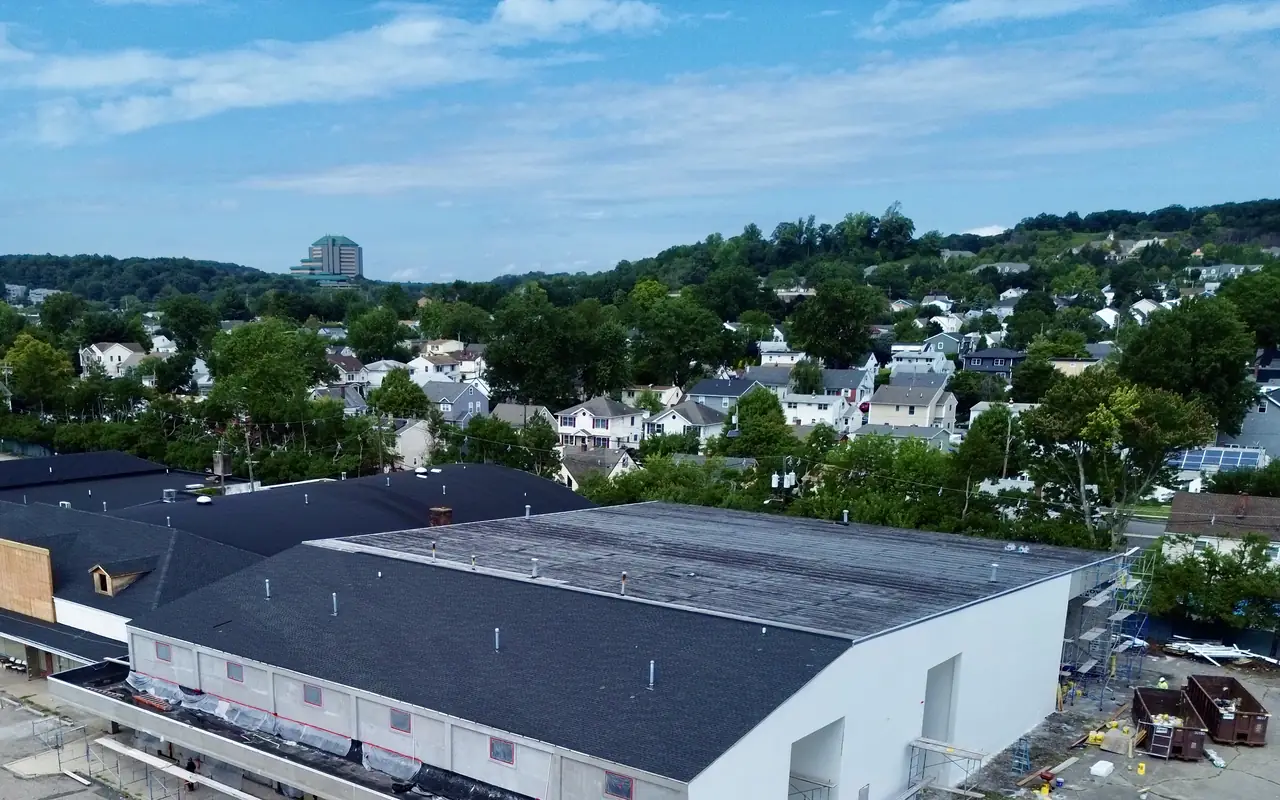
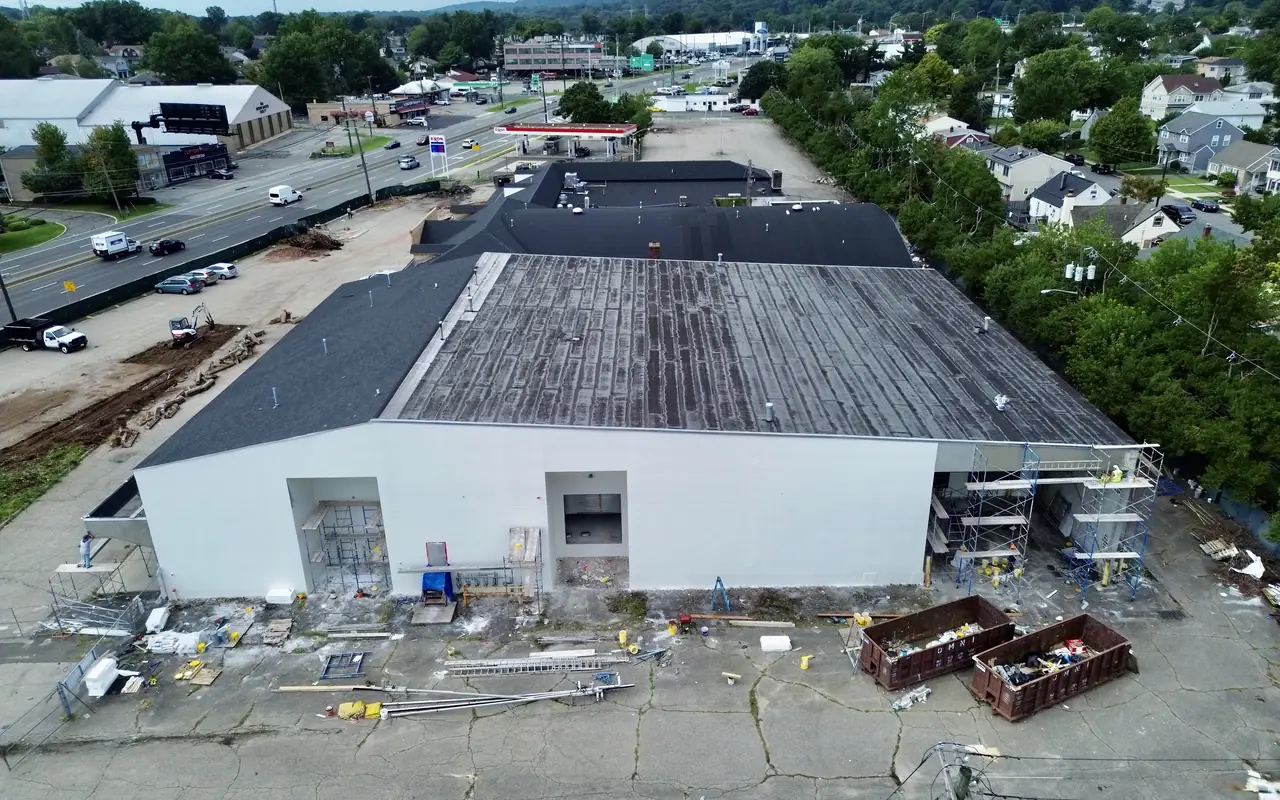
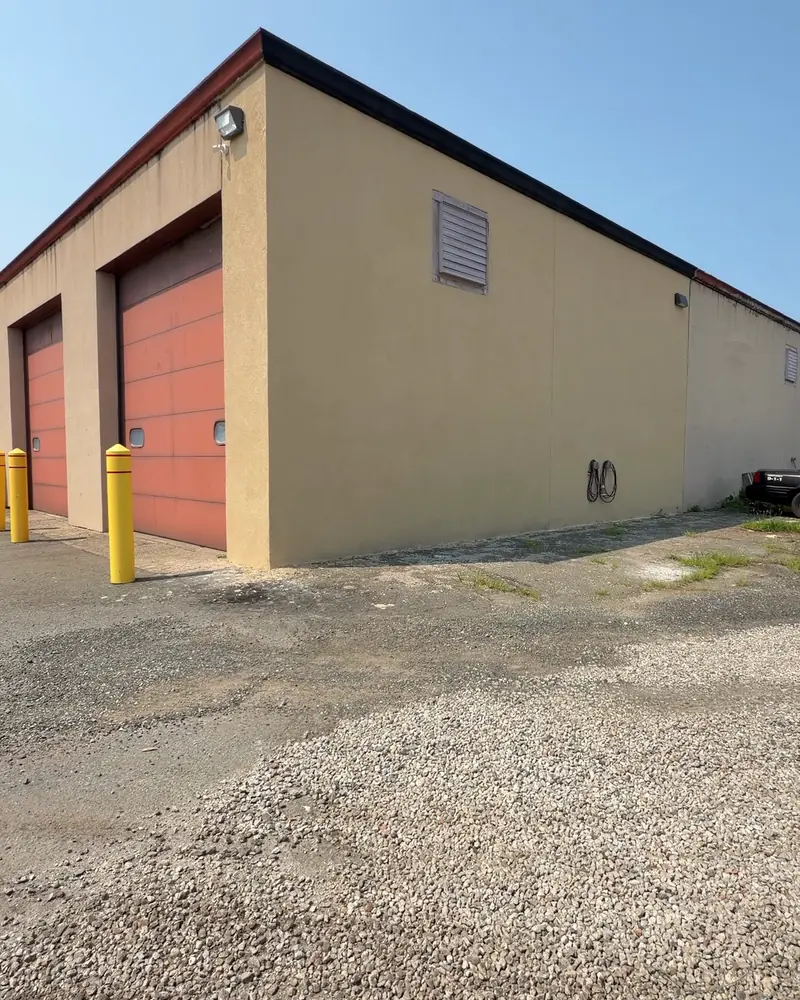
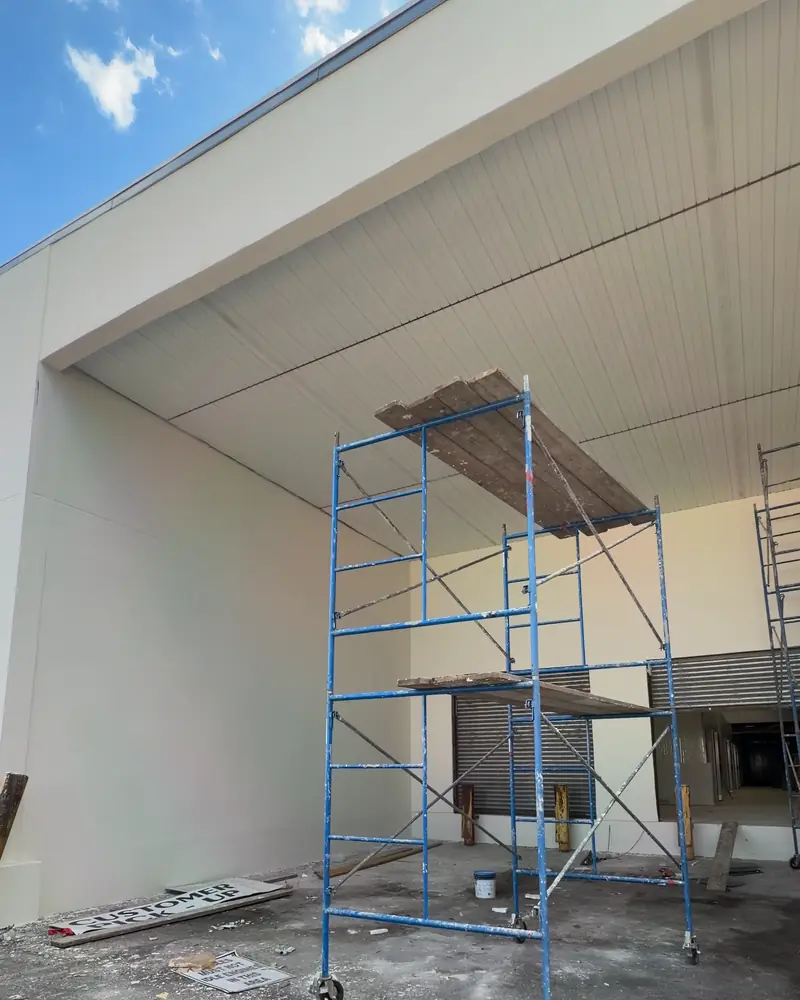
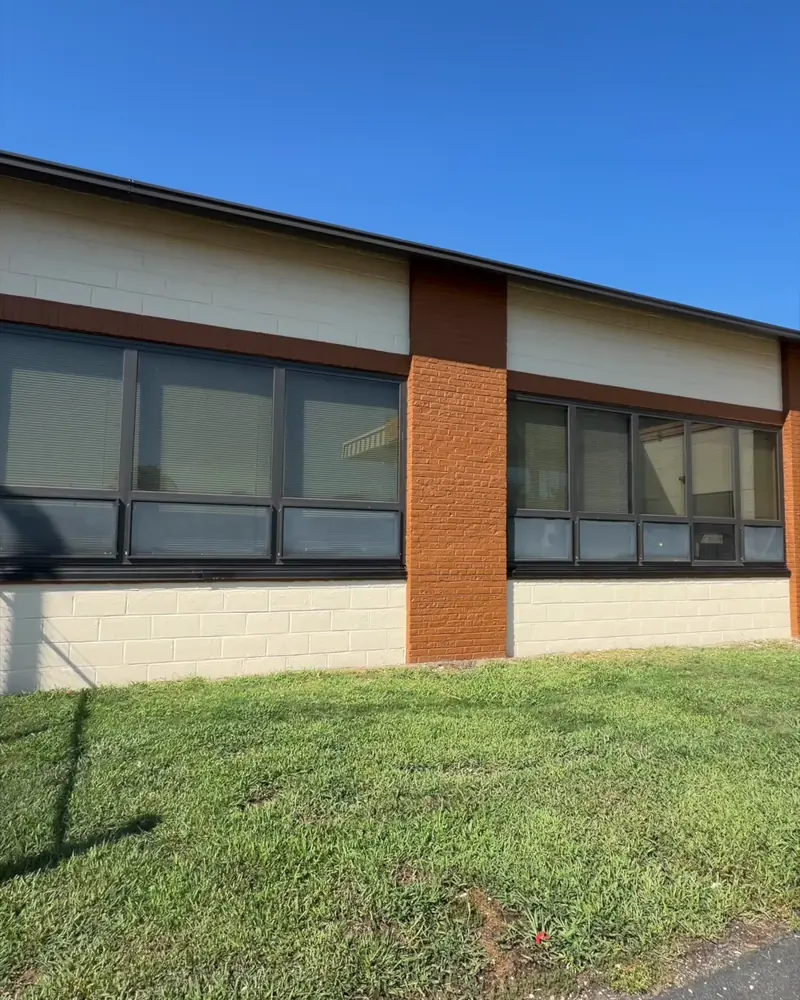
Our own reel captions show the pattern: a stucco elevation talked through on site, a front walk and entry steps, a cafe fit-out shown as its owner wants customers to see it. Each one names a trade, a kind of place and a stage of the job, which is exactly what a caption should say.
| Place | What goes there | What to write |
|---|---|---|
| Business profile | Recent stills and one short clip of finished work | One plain line naming the work done and the town |
| Website project page | The longer clip with stills around it | A heading with trade and town, two or three sentences, a caption on each image |
| Video channel | The full walkthrough | A title with the work, the type of property and the town, plus a description that repeats your service area |
| Social | The short vertical cut | One sentence on the work and the town |
| Signature and proposals | A single link to the project page | A label that says what the link shows, such as Recent exterior work |
Your business profile: keep it current with real work
The business profile is often the first thing a stranger sees, ahead of your website. Photos and video there should be your real work, recent, taken by you or for you. Leave out stock images, renderings and another company's jobs. A platform can remove media that misleads, and a visitor can tell.
Current matters. A profile with a few recent finished jobs reads as a business that is working. A profile whose newest photo is years old reads the other way. Treat it like a job log, not a one time setup.
The business name, service area and phone number on the profile should match your website exactly. Small differences, such as Co. on one and Company on the other, make you look like two businesses.
- Pick one finished job and choose three to six stills and one short clip.
- Check the size and length limits in your own profile dashboard before you cut, because they change.
- Rename the files so they say what they show, for example stucco-repair-front-elevation-town-name.
- Upload from the profile dashboard itself, so the media lands on your listing.
- Add a short update that names the work and the town, if your profile offers updates.
- Write down the upload date and set a reminder for the next finished job.
Your website: put the video on the page it belongs to
A clip dropped onto a gallery page with no words around it is hard to find and hard to understand. A clip on its own project page, under a heading that names the trade and the town, gives a reader and a crawler the same clear picture. Search systems read text, so the words beside the video carry much of the weight.
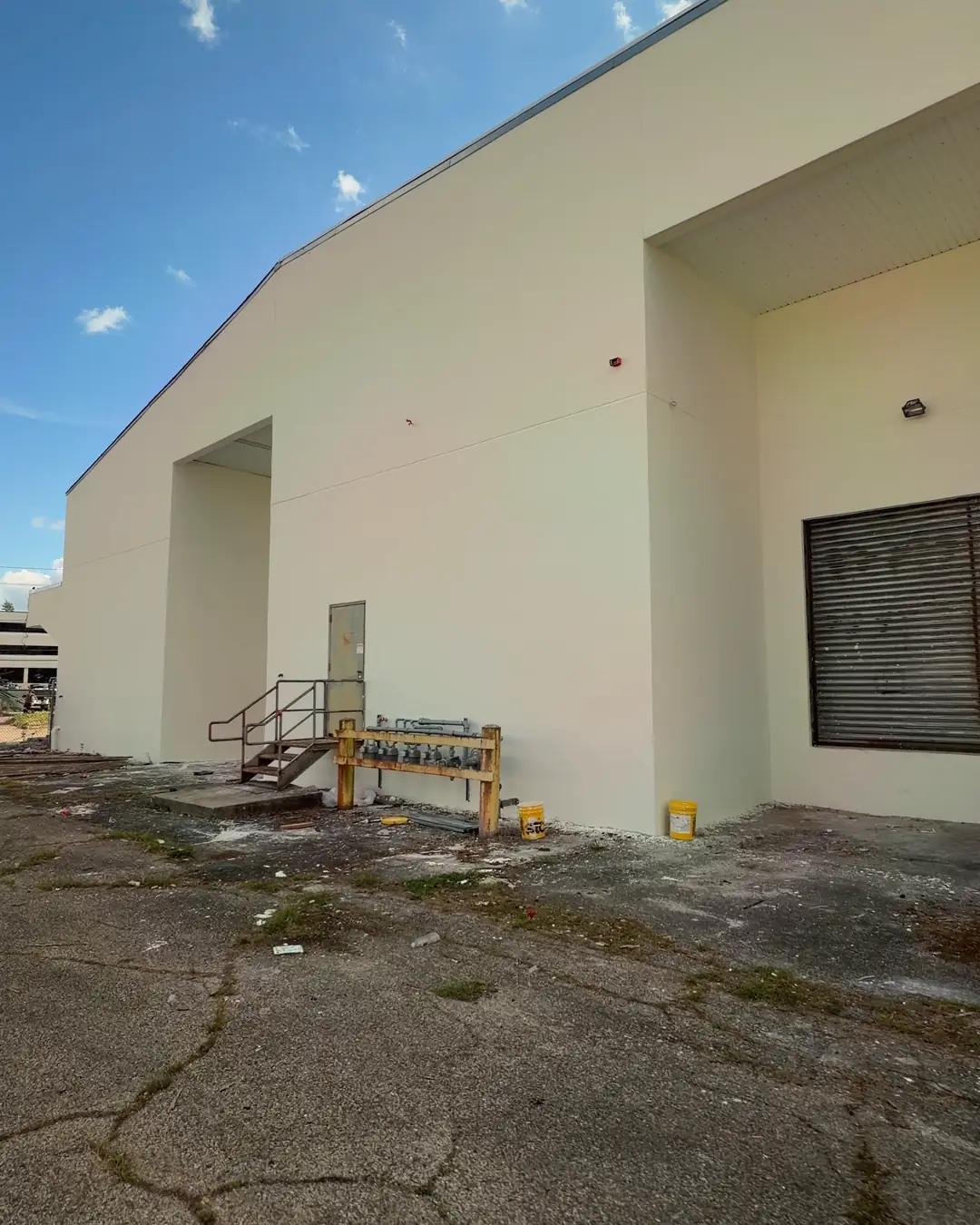
- Show the whole elevation first, so a viewer sees its size and condition.
- Keep one familiar object in the frame, such as a door, a step or a meter bank, for scale.
- Give each still alt text that says what is in the frame: the trade, the surface and the place.
Write two or three plain sentences under the clip: what the job was, what was done, and where. Add a short written summary of what the video shows or says. Many people watch with the sound off, and a text version helps anyone who cannot play the clip. If someone speaks in it, a transcript or caption file does the same job.
Name files before you upload them. A file called stucco-front-elevation tells more than one called by a camera number. Give each image alt text, one short sentence that says what is in the picture, the way you would describe it over the phone. Keep the page light, using a hosted player or a compressed file, so it still opens quickly on a phone.
Structured data for video is a task for whoever maintains your site. You do not write it yourself. Ask them to confirm it is in place.
Video channels, social and the links you already send
A video channel is a second home for the long cut, and social suits the short one. In both, the title does the finding. Lead with what the work is, then the place.
Two places get forgotten. Your email signature can carry one link, labelled with what it shows. And a proposal can end with a link to a clip of similar work, so a client reviewing the numbers at night can also see a result. Both cost nothing once the project page exists.
- Title pattern: the work, the type of property, the town. For example, stucco repair on a two family house in a named town.
- Description: two sentences on the job, your business name written exactly as elsewhere, your service area, and a link to the project page.
- Chapters or timestamps on any video longer than a couple of minutes, so a viewer can jump to the part they care about.
- The project page link as the first comment or pinned note, where the platform allows it.
- No long tag lists. A few relevant words in the description do more than a block of unrelated ones.
A monthly rhythm you can keep
Most contractors fall off because they plan too much. A rhythm that survives a busy season is small: one finished job a month, filmed when it is done, used in each place once.
Week one: film the finished job
Week two: write the words
Week three: publish in each place
Week four: update links and note the next job
If a month has no finished job, use a job in progress and say so in the caption. Do not backdate a clip or reuse an old one as new. A stale profile is fixed by one honest update, not by a burst of posts.
Look at your own numbers instead of guessing. Note how callers say they found you, and which pages get visits. Treat that as information about your business, not a score.
Questions people ask
Does posting video help my business show up in search?
It gives search systems and visitors more to read and see about your real work. It does not control where your pages appear, and nobody can promise a position. What you control is accuracy, freshness and clear wording.
Should I use the same video everywhere?
Use the same shoot but cut it for each place: the long walkthrough for the website and video channel, the short vertical cut for social and the profile, and stills for the profile and proposals. Write the words fresh for each place instead of pasting identical text.
How often should I add to my business profile?
One finished job at a time is a realistic target for most contractors. Quality and honesty matter more than count, so add when there is new work to show.
Do I need a transcript for every video?
A short written summary beside every clip is the minimum. A transcript or caption file is better when someone speaks, because it helps viewers who watch with the sound off.
Can Enduring On Media handle the uploads?
We shoot and cut the footage for these places and can suggest caption wording. Uploading to your accounts and your website stays with you or whoever manages them.
More on filming your work
- 7 min readWhy a Contractor Needs Video of Its WorkA written claim says you are good. A clip of the job shows it. Why video of finished and active work gives a contractor credibility before the first call.
- 7 min readFilm the Job the Day It Is DoneA shot list and visit plan for filming a construction job: the before, the during and the day it is finished, with light, clip length and file tips.
- 8 min readHow Video Helps a Contractor Win Bids and ReferralsWhat to film, how long to make it, and where to put it so a bid reviewer or a referred friend can see your work before the first conversation.